Conference Captions Accessibility: A Host’s Guide to Live Subtitles

TL;DR
- Conference captions accessibility has three real options: a human speech-to-text reporter, an electronic notetaker who summarises, or automatic speech recognition. Not interchangeable.
- RNID puts a reporter’s verbatim text at about 95% accurate. W3C says automatic captions “do not meet user needs or accessibility requirements” unless confirmed accurate.
- WCAG 2.2 puts Captions (Live) at Level AA, and the Equality Act 2010 duty to provide an auxiliary aid reaches communication support.
- Put the caption screen in the stage sightline. At 200 words per minute, viewers spend only 20% of the time looking at the pictures.
- The host carries half of this: name every speaker aloud, repeat audience questions into the microphone, never talk over a handover, and brief the captioner a week early.
A captioned room runs differently from an uncaptioned one. Not harder. Differently. Conference captions accessibility gets treated as a procurement decision, bought by the organiser and installed by the AV company, and nobody tells the person holding the microphone that their job has changed.
It has.

What does conference captions accessibility mean in practice?
It means a delegate who cannot hear the room can read it in near real time, without missing what is happening on stage. W3C defines captions as “a text version of the speech and non-speech audio information needed to understand the content”. Wider than a transcript, then: it carries who is speaking, and the sounds that matter.
RNID says over 18 million people in the UK are deaf, have hearing loss or tinnitus, one in three, on a page updated in October 2026. In a hall of 300, that is not a special request.
WCAG 2.2 sets Captions (Live) at Level AA, with the stated intent of letting people who are deaf or hard of hearing watch a real-time presentation. It also expects captions to carry speaker identity.
Captions, notetakers and interpreters are three different things
Organisers conflate them, and then the wrong provision turns up.
A speech-to-text reporter types a verbatim account phonetically on a specialist keyboard, converted back into English on screen. RNID puts that output at about 95% accurate, and notes reporters are regulated by the NRCPD register.
An electronic notetaker types a summary, not every word. RNID’s list of communication support draws exactly that line. A summary suits a workshop and is wrong for a keynote someone may be quoted on.
Automatic speech recognition is suddenly everywhere, built into the platform or the AV desk, effectively free, and unreliable on names, acronyms and accents. W3C is blunt: automatic captions “do not meet user needs or accessibility requirements” unless confirmed fully accurate. Its worked example is a caption turning “4 to 5 minutes” into “45 minutes”.
Interpreters are a separate provision, not a posher version of captions. British Sign Language is recognised in its own right by the BSL Act 2022, and RNID lists interpreters, lipspeakers, notetakers and reporters as distinct services chosen by need. English text on a screen does not serve a BSL user. Ask, then book what was asked for.
Who is responsible for conference captions accessibility?
The organiser, in practice, and the duty has a statutory shape worth knowing. Section 20 of the Equality Act 2010 sets out three requirements, the third being to take reasonable steps to provide an auxiliary aid where its absence puts a disabled person at a substantial disadvantage. Subsection 11 confirms that aid “includes a reference to an auxiliary service”, which is how a person with a keyboard fits inside the word “aid”.
Two details surprise people. For service providers, Schedule 2 reads the duty as owed to disabled persons generally, not only to whoever asked, so it is a planning duty. And section 20(7) says the duty holder cannot require the disabled person “to pay to any extent” the cost of complying. Captioning is not a paid ticket upgrade.
I am a host, not a lawyer, and this is not legal advice. The duty exists, it is anticipatory, and your own circumstances decide what is reasonable. Take advice on your own event.
What does live captioning actually cost?
Honestly: nobody publishes a credible UK rate card, and I will not invent one. Searching in October 2026 I found no UK provider with public per-hour pricing, only US contract rates that do not translate. Get two or three quotes. What you can price out is the shape of the bill.
| Driver | What the sources say |
|---|---|
| Skill scarcity | Stenographers train two to five years and caption at up to 200 words per minute |
| Day length | RNID says one reporter normally does it; flag anything over a few hours, as they need breaks |
| The two-reporter rule | One provider states that assignments over two hours require two STTRs |
| On site or remote | On site adds travel; remote needs a tested audio feed |
Automatic captions look free beside that, because the editing and the accountability were removed.
Where the caption screen goes, and why it matters
Usually this gets decided on the morning, by whoever has a spare screen.
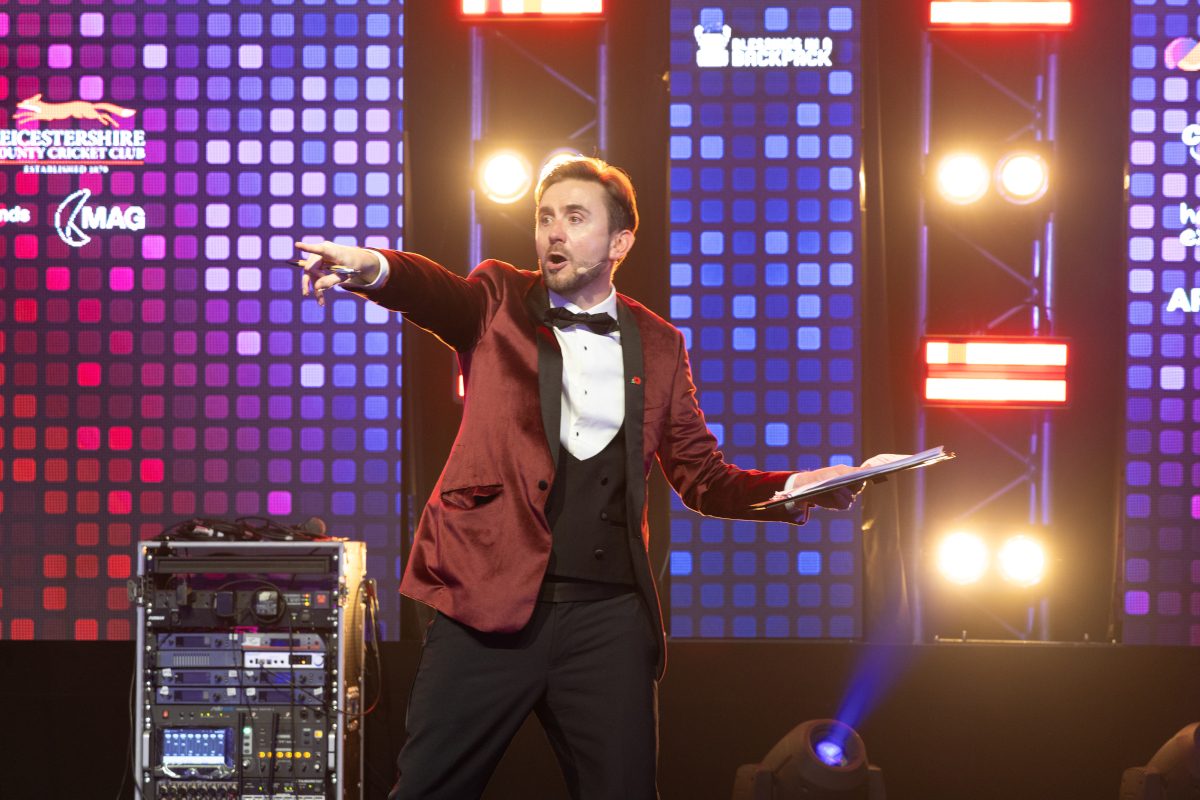
Captions compete with the stage for the same pair of eyes. Eye-tracking research cited in Ofcom’s 2013 consultation on live subtitling found that at 150 words per minute viewers split their time roughly 50/50 between text and picture, at 180 the text takes 60 to 65%, and at 200 only 20% of the time is left for the picture. Put the caption screen across the hall from the speaker and somebody has to choose between the words and the face.
So: adjacent to the stage, in the same sightline as the speaker and the slides, sized to be read from the back of a hall rather than the front row, with seats reserved where that sightline works. W3C’s guidance on accessible presentations tells organisers to plan screen and seating together, and to walk the room first.
Two more numbers worth knowing. The same Ofcom research put a comfortable reading speed at about 145 words per minute, with anything above 180 difficult for deaf, hard of hearing and hearing readers alike. On delay, viewers found under five seconds tolerable, and ideally under three.
Captions always run behind. Your pacing decides by how much.
What the host does differently in a captioned room
Here is the part no AV quote covers, and it is mostly free.
- Name the speaker, out loud, every time. The transcript is a wall of text with no faces in it. WCAG expects captions to carry speaker identity, and in a live room you supply it.
- Repeat every audience question into the microphone before answering. The W3C asks presenters to do exactly this. A question shouted from row 12 does not exist as far as the captions go.
- Do not talk over a handover. The warm overlap that feels generous on stage lands on screen as a scrambled sentence. Let the last word finish, then go.
- Slow down at the hard parts: the figures, the names, the legal bits.
Pacing is the one most hosts get wrong. You are giving a reporter who is 95% accurate on good audio a fighting chance on the 5% that is your client’s product names. You can keep the pace lively and still land the numbers cleanly.
One trick from my own kit: questions that arrive as text are already written down. I run live Q&A through RoomReader on delegates’ phones, nothing to download, so every question comes in spelled. Any decent audience response approach does that, and it matters more in a captioned room.
RoomReader now offers live captions too, for accessibility, when I host. Treat them as one more option on the list, not a stand-in for a speech-to-text reporter: if a delegate has asked for a reporter, or a session needs verbatim accuracy, book one. Decide with me before the day which sessions the RoomReader captions cover and where they appear: send the agenda to hello@conferencehost.uk or call 07596 851647.
What should you send the captioner in advance?
Everything you would give a speaker, plus the spellings. The W3C’s guidance is to get material to captioners and interpreters in advance, and to explain acronyms, terms and names beforehand. A week out, send:
- The running order, with session titles and timings.
- Every speaker’s name and job title, spelled out, with pronunciation notes where a name is likely to be heard wrong.
- Product, brand and internal project names.
- Acronyms with expansions, including the ones the client assumes everybody knows.
- Slide decks. Scripted passages too, awards citations especially.
- Sector vocabulary, and anything in another language.
Awards nights are the stress test: forty shortlisted names read at speed will defeat an unbriefed captioner and most automatic captioning. Send the list. If you are hosting a conference around it, one pack covers both.
How do you tell the room the captions are there?
Say it once, early, and point: “We have live captions on the screen to my left all day, and the front two rows that side are kept free so you can see both.”
Thirty seconds of housekeeping decides whether the provision gets used. Same for hybrid events, where the feed often has captions nobody mentions and half the online audience never finds the button.
Accessibility sits inside ordinary hosting craft, not beside it, so it belongs with the rest of your conference MC planning.
Book the right provision, put the screen where the eyes already are, brief the captioner, then run the room so the words arrive clean. No one will thank you for it. The delegate who needed it will simply have been at the same conference as everybody else.
17:00Close
Send me your agenda. I’ll show you where the room comes alive.
A fixed price, a free planning call, and a reply within one working day.