Audience Response Systems: How They Work and How to Choose
TL;DR
- An audience response system lets everyone in a room answer a question at once, then shows the results on screen in seconds.
- The category has moved from plastic clicker keypads to the phone browser, so delegates now respond on the device already in their pocket.
- For a big room, the things that matter are speed, no-download access, capacity for hundreds of concurrent users, and a clean display on a large screen.
- A poll on its own rarely holds a hall. The value comes from how the questions are run, not just the tool that collects the answers.
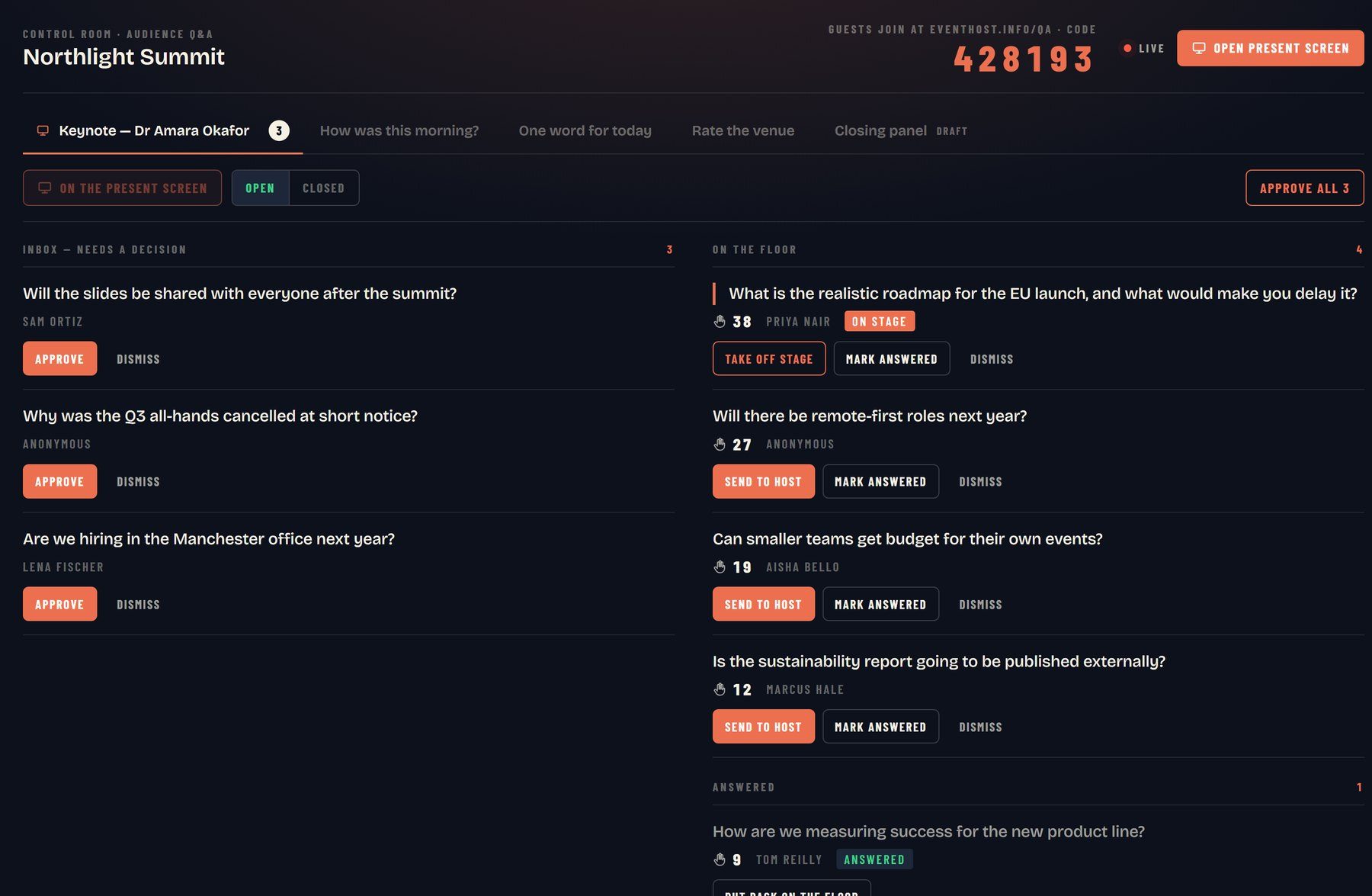
- RoomReader is the host-run example: live Q&A and audience response built into a booking, so nobody has to manage the software on the day.
An audience response system is the technology that lets a whole room answer a question at the same time and see the tally on the big screen almost instantly. If you organise conferences, you have probably used one already, whether it was a tray of plastic keypads a few years ago or a short link that sent everyone to their phone. This guide covers what an audience response system is, how it works, how the technology shifted from clicker hardware to the browser, and how to choose one that holds up in a hall of hundreds.
The category sits next to live Q&A, quizzing and polling, and the lines between them blur. What they share is a simple promise: turn a passive audience into people who are doing something, not just listening.
What is an audience response system?
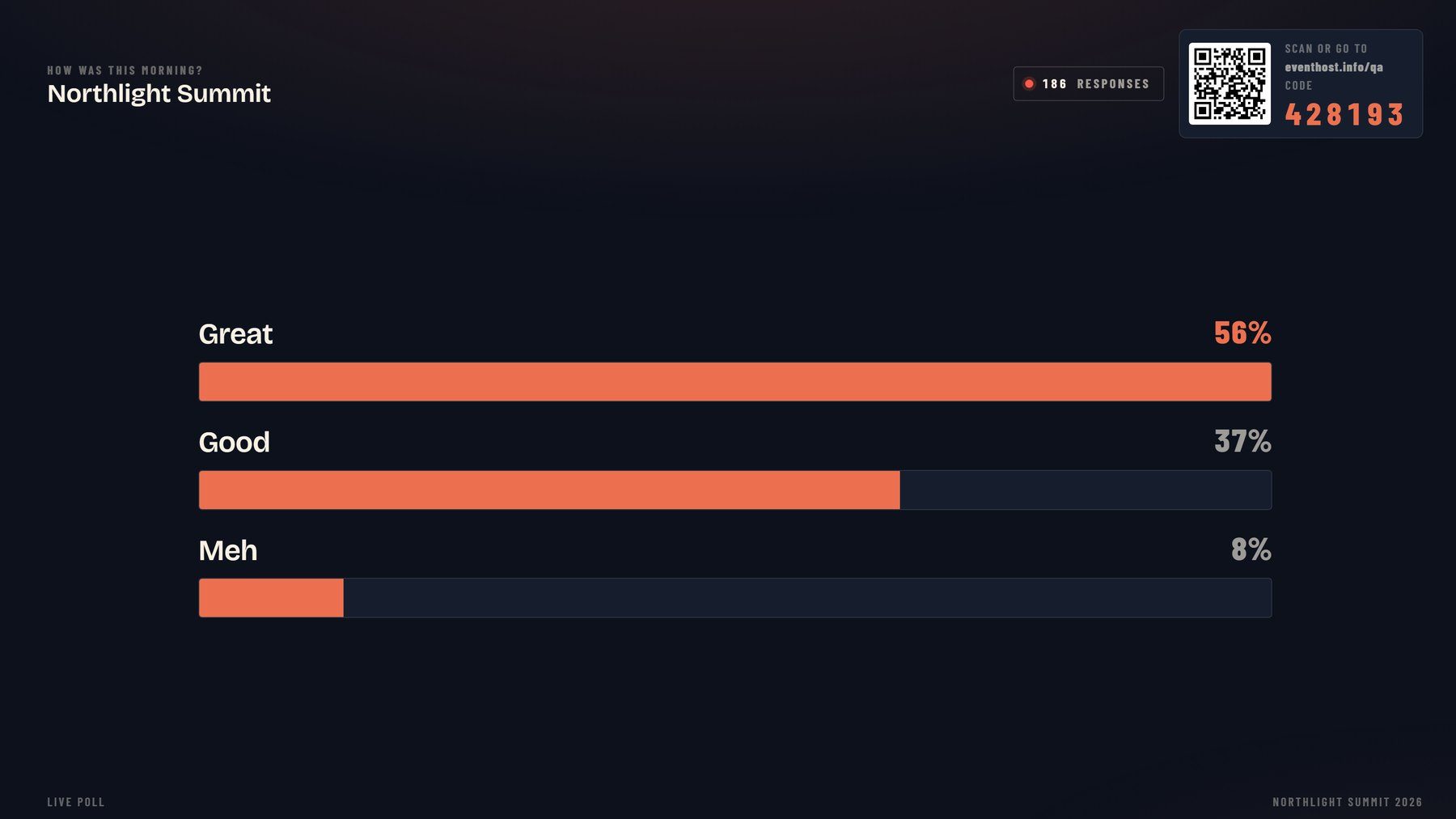
An audience response system is a tool that collects answers from every person in an audience at once and displays the combined result live. You ask a question from the stage, delegates respond on a keypad or their phone, and the totals appear on screen within seconds.
The category is broad. It covers multiple-choice polls, rating scales, ranked lists, open text that forms a word cloud, quiz scoring, and audience-submitted questions for a panel. In education the same idea is often called a “student response system”, and the handheld remote picked up the nickname clicker.
The point is not the gadget. It is the shift from one voice at the front to every voice in the room counting for something.
From clickers to phones: how audience response changed
Early systems ran on dedicated hardware. Each delegate held a wireless keypad, pressed a key to answer, and that response travelled to a base station, or receiver, plugged into the presenter’s computer. The software then tallied the votes and put them on screen.
This is older than most people assume. A proprietary system for testing theatre audiences appeared circa 1966, and a commercial product called the Consensor went on sale in the mid-1970s. For decades, running a poll meant hiring, distributing, collecting and charging a box of keypads.
Newer tools changed the economics completely. Cloud-based systems need no specialised hardware; delegates respond from the phone, tablet or laptop they already carry. No keypads to hire, no batteries to check, no kit to hand out to 300 people as they file in.
That single change is why audience response is now standard at conferences rather than a novelty. The barrier to taking part dropped to almost nothing.
What features matter in an audience response system?
The features that matter most are speed, easy access, capacity and a clear display. Everything else is secondary to those four working under real conditions.
| Feature | Why it matters in a large room |
|---|---|
| No download | Delegates join by browser link or QR code, not an app store queue |
| Capacity | Hundreds of concurrent responses without lag or dropouts |
| Speed | Results appear in seconds, so the moment does not go flat |
| Big-screen display | Readable from the back row, not just on a laptop |
| Question types | Polls, quizzes, ratings, word clouds and live Q&A in one place |
| Moderation | A way to filter or order audience questions before they show |
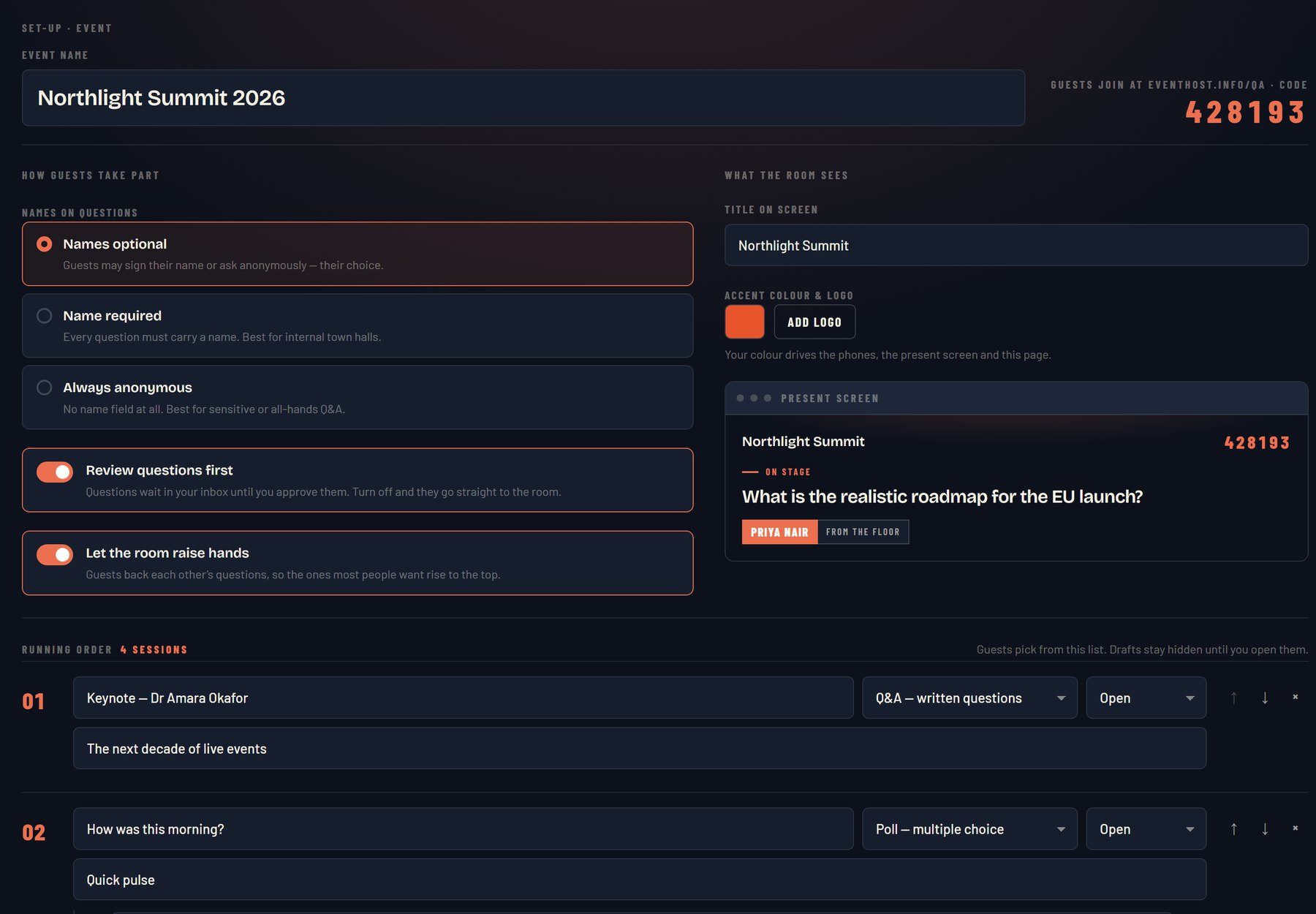
Data and export options are useful for organisers who need to report back afterwards. So is the ability to run more than one question format in a session, so a poll can flow into a quiz or into audience questions without switching tools.
Be wary of feature lists that read well on a website but stall in a full hall. The test is not what a tool can do in a demo for twelve people. It is what it does when 400 phones hit it in the same ten seconds.
How do you choose a system for a large room?
Choose for scale first, then for the moments in the day you actually need to lift. A tool that is charming with a small team can crawl when a whole conference tries to answer at once.
Work through a short checklist before you commit:
- Capacity: can it genuinely handle your headcount at peak, not on paper but in practice?
- Access: is it a browser link or QR code with nothing to install?
- Network: will the venue Wi-Fi or mobile signal carry that many devices, and is there a fallback?
- Display: does the output look sharp on a large screen from the back of the room?
- Control: who runs it live, and can they adjust on the fly if a session overruns?
That last point is the one organisers underrate. Software collects answers, but a room needs someone deciding when to poll, how to read the result out loud, and when to move on. You can find broader guidance on this in our audience engagement approach.
Match the tool to your energy curve, too. A conference day dips at the cold 9am open, the post-lunch slump and the awkward gap before networking. An audience response moment is worth spending at exactly those points, not scattered at random.
Where audience response tools still fall short
A poll on its own rarely holds a hall for long. Delegates answer one question, watch the bar chart, then look back down at their phones. The tool did its job, but the room did not stay with the stage.
This is the common failure. A polling app gets added to the agenda, and organisers are surprised when engagement stays flat. A poll is not, by itself, a reason to keep looking up. Novelty fades fast, and a run of identical multiple-choice questions can feel like admin rather than participation.
The fix is design and delivery, not more features. Questions need a reason to answer, a payoff for looking up, and a host reading the room between them. The technology is the easy part. Getting professional adults to take part without feeling put on the spot is the craft.
This is where a host-run setup differs from a standalone tool. RoomReader is proprietary live Q&A and audience response software that is included with a booking, so the person running the room and the person running the software are the same. You can see how it fits alongside the whole-room formats on the event software page.
Do delegates need to download an app?
No. Modern audience response runs in the phone browser, so delegates join by tapping a link or scanning a QR code with nothing to download. This is the single biggest reason participation is higher than it was in the keypad era.
Removing the download removes the excuse. There is no app store search, no account to create, no update to install while the speaker waits. A delegate who can open a web page can take part, which in a professional audience means almost everyone.
For virtual and hybrid events the browser approach matters even more, because remote attendees are already in a browser tab. The same link works whether someone is in the third row or watching from their desk two hundred miles away.
An audience response system is only as good as the moment you build around it. Choose for scale, keep the barrier at zero, and put someone in charge of the room who knows when to ask and when to move on.



17:00Close
Send me your agenda. I’ll show you where the room comes alive.
A fixed price, a free planning call, and a reply within one working day.