Hybrid Event Engagement: Keeping Both Rooms With You
TL;DR
- A hybrid event asks one host to hold two audiences at once: the room in front of them and the people watching remotely.
- The remote room is the one that gets dropped. If you never speak to the camera, remote attendees quietly switch off.
- Shared interaction is the fix. Both rooms should play the same activity in parallel, on their own phone, so nobody is a second-class guest.
- Tech and the run of show decide the result before anyone speaks: a dedicated remote channel, someone producing it, and deliberate cutaways to the camera.
- Brief your host on both audiences from the start. Whoever holds the room has to hold both rooms.
A hybrid event sounds like one job and is really two. You have a room of people in front of you, and a second audience watching from their desks, and a single host has to keep both with them at the same time. Get it right and you reach far more people than a room could ever hold. Get it wrong and the remote audience becomes wallpaper: present on the stream, ignored in practice. This post is about the problem at the heart of every hybrid event: two audiences, one host, and how to avoid neglecting the room you cannot see.
What makes a hybrid event so hard to host?
A hybrid event is hard because you are running two events on one clock, for two audiences who need different things from the same moment.
The people in the room have presence. They pick up on body language, laughter travels, and a glance from the host is enough to bring someone in. The remote audience has a screen, a mute button, and a browser tab sitting next to their inbox. The same joke, the same pause, the same question lands very differently across that gap.
Hybrid is also still the rarest format to get right. On one 2026 format split, only 4% of events were hybrid, against 63% in-person and 33% virtual. Fewer teams run them, so fewer have the craft to run them well.
Then there is the plumbing. Around 38% of managers report technical difficulties with hybrid and virtual events, unstable internet chief among them. When the connection wobbles, the remote room is the one that pays.

Why does the remote room get neglected?
The remote room gets neglected because the host’s attention naturally follows the people they can see.
This is not laziness. Everything a host reads to gauge a room, the nods, the fidgeting, the laugh that lands or dies, comes from the physical audience. The camera gives nothing back. So the host plays to the crowd in front of them and the stream slowly turns into a broadcast that nobody feels part of.
Organisers already sense the risk. The same report on hybrid events notes that event marketers are concerned remote attendees end up with an inferior experience to those in the room. That worry is well founded, and it becomes a self-fulfilling one the moment the host stops addressing the camera.
The remote audience notices fast. A question asked into the stream that never gets answered, a poll they cannot see the result of, a room laughing at something off-camera: each one is a small signal that they are watching rather than attending. After a few of those, they open their email and the session is lost.
How do you keep both rooms in one hybrid event?
You keep both rooms by treating the camera as a section of the audience and talking to it on purpose, at planned moments, not when you happen to remember.
Name the remote room out loud. Welcome them in the first minute, the same way you would welcome the back three rows. Tell them how to take part and when their turn is coming. A host who says “for those of you joining us online” every few minutes keeps that audience inside the event rather than outside it.
Then give them airtime with real stakes. Read a remote question from the stage and answer it. Put a remote comment on the main screen so the room sees it. Cut to a remote contributor when it is their moment. The craft that makes this work is ordinary hosting craft, the same skill set behind hosting virtually, pointed deliberately at the harder audience.
The test is simple. If a remote attendee could tell, an hour in, that the host has forgotten they exist, the hybrid part has failed.

Shared interaction that works for both audiences
The reliable fix for a hybrid event is one activity both rooms play at the same time. Shared interaction, not parallel programming, is what stops the stream feeling like a second-class ticket.
The trap is running two separate experiences: a game in the room and a chat box for everyone else. That splits the event in two. Instead, pick moments where the whole audience, in the hall and at home, does the same thing on the same clock.
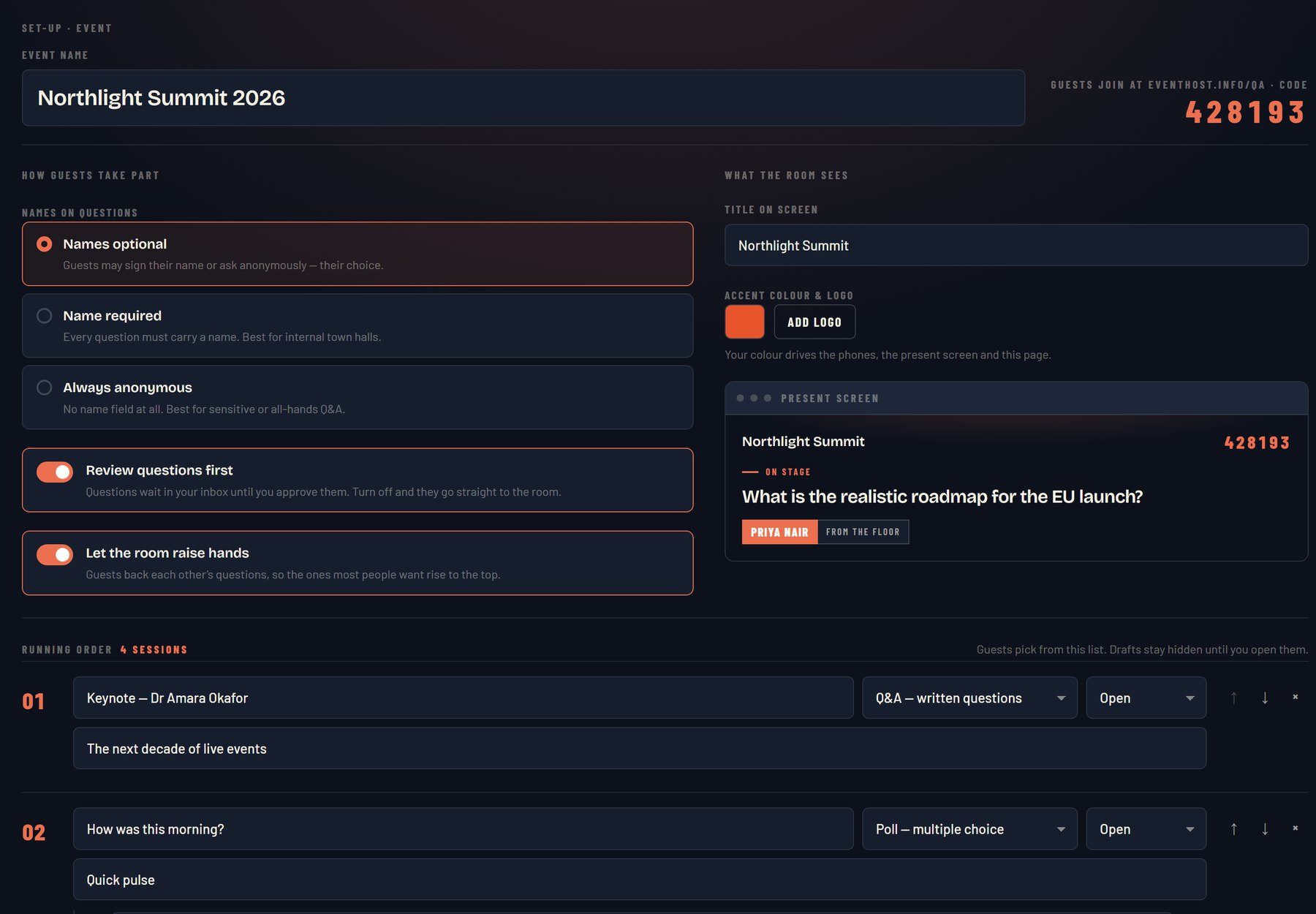
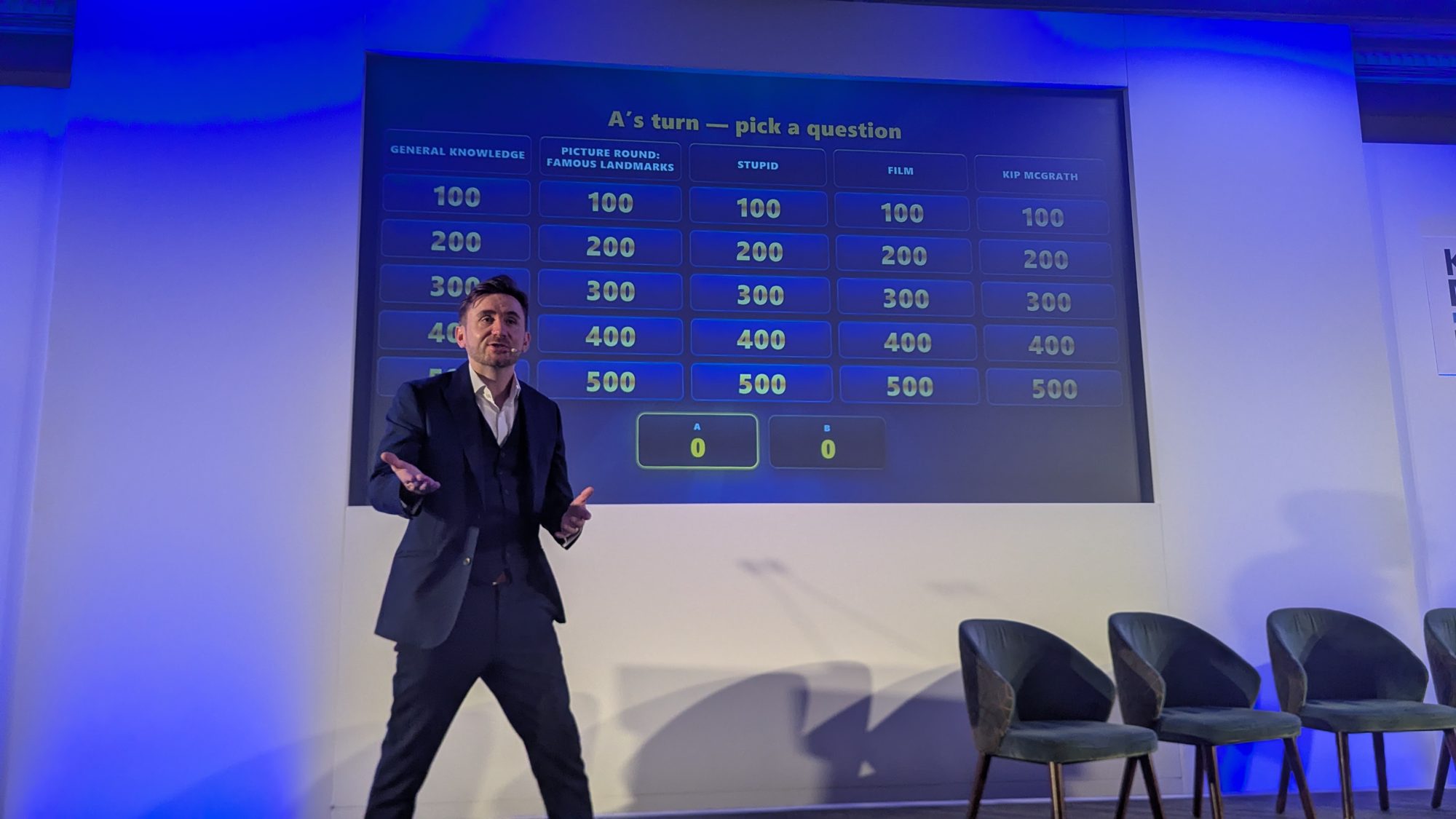
A phone in every hand makes this possible, because a phone works identically wherever the person is sitting. Live Q&A where the whole audience votes questions up, included in the hosting through RoomReader, treats an in-room vote and a remote vote as equal. Whole-room game formats, played by every delegate on their own phone with nothing to download, do the same: the person on the sofa and the person in row F tap the same answer and see the same result appear on screen.
Two rules keep shared interaction honest:
- Everyone acts in parallel, in-room and remote together, never one group then the other.
- Put the combined result on screen so both audiences watch themselves take part as one crowd.
Do that and the remote room stops being spectators. They are playing the same game as everyone else.
What tech and run of show does a hybrid event need?
A hybrid event needs a dedicated remote channel, someone producing it, and a run of show that schedules attention to the camera rather than leaving it to chance.
Start with a second pair of hands. The host cannot watch the stream, the chat and the room at once, so a producer or co-host owns the remote experience: monitoring the feed, surfacing questions, and flagging when the connection or the audience is drifting. A managed virtual event host setup exists precisely because the remote side needs its own attention, not the host’s leftovers.
The technical base is unglamorous but decisive: a stable connection, clear audio into the stream, and a way for remote attendees to contribute that does not depend on them downloading anything. If joining in is a faff, the remote room will not bother.
The run of show is where most of the fix lives. Map the day’s energy dips, the cold 9am open, the post-lunch slump, the pre-networking gap, then mark camera moments against them. Write “address remote audience” and “run shared vote” into the running order as fixed cues, the same way you would schedule a break. Attention that is planned happens. Attention left to goodwill does not.
A checklist to brief your host
Bring your host into the hybrid plan early, and give them the remote audience as a named responsibility rather than an afterthought. A short brief covers most of it:
- Confirm the host will address the remote room by name in the first minute and at regular cues after that.
- Assign a producer or co-host to own the stream, the chat, and remote questions.
- Agree the shared interaction moments where both rooms play at once, on their own phones.
- Mark camera cutaways and remote Q&A against the day’s energy dips in the run of show.
- Check the tech that the remote room depends on: connection, audio, and a no-download way to take part.
Hybrid is not a compromise between two lesser events. Done properly it is one event with a much bigger room, some of it physical and some of it remote. The host’s whole job is to make both halves feel like the same audience. Get that right and a hybrid event keeps both rooms with you, from the first minute to the last.
17:00Close
Send me your agenda. I’ll show you where the room comes alive.
A fixed price, a free planning call, and a reply within one working day.