Virtual Team Building Activities That Hold a Call Together
TL;DR
- Run it for 45 minutes in two or three blocks, not for an hour in one lump.
- Four to six people per breakout. Past that, nobody takes a turn.
- Cameras optional, captions on, and nothing that hangs on fast typing or a strong connection.
- The formats that hold attention give everyone something to decide. The ones that fail ask people to perform.
- Finish with a decision, an owner and a date.
Most virtual team building activities are a list of games with no plan around them. This is the plan: how long the session runs, how big the groups are, how the breakouts work, what to do about accessibility, and which formats to leave alone.
28% of working adults in Great Britain hybrid worked between January and March 2025, on ONS figures published that June, a share that has risen since March 2022.
What are virtual team building activities for?
To give a distributed team shared context and a reason to talk to each other. Not to entertain them for an hour.
In Gallup’s State of the Global Workplace 2024 report, 25% of fully remote employees said they had felt lonely a lot of the previous day, against 21% of hybrid workers and 16% of people working exclusively on site.
The measure is not how much fun it looked. It is whether people left knowing each other better, with something settled.
Why do virtual team building activities fall flat?
Because a video call is tiring before you add a game to it. Jeremy Bailenson’s paper on videoconference fatigue sets out four causes: close-up eye gaze, the cognitive load of reading cues through a screen, self-evaluation from watching your own face, and sitting still. He compares the default self-view to an assistant following you round all day with a mirror.
Then there is the camera. In a four-week field experiment with 103 employees, people told to keep cameras on reported more fatigue, and that fatigue tracked with less voice and less engagement. The effect was stronger for women and for newer employees. Mandating cameras for the fun bit costs you the participation you wanted.
Format choice matters too. Stanford research found in-person teams generated 15% to 20% more ideas than virtual ones in the lab, and about 15% more in a field study of 1,490 engineers. Video teams were as good, possibly better, at picking the best idea. Blue-sky ideation is the weak format online. Choosing between options is the strong one.
How long should a virtual session run, and when?
Forty-five minutes, in blocks of fifteen to twenty. Put a real break in if it sits inside a longer agenda. Microsoft’s Human Factors Lab put EEG caps on volunteers through four half-hour meetings and found beta waves, associated with stress, climbing across back-to-back sessions. With ten-minute breaks between meetings, beta activity reset and stayed level.
The energy in a room is a curve, and that is as true on a call as in a hall. I have watched it for twenty years across 800 or so events: the cold start, the slump after lunch at about half past one, the flat patch before anyone has to speak. Put the lively block at the slump, not at 9am.
A 45 minute session, minute by minute
- 0 to 3. The host gives the one rule: nobody gets put on the spot alone. Cameras welcome, not required.
- 3 to 8. One fast whole-group round. A single question, answered on a phone or in one line of chat.
- 8 to 20. First activity, whole group, scored or ranked so there is a result.
- 20 to 32. Breakouts of four to six with one task on screen.
- 32 to 40. Report back as a game: each room’s answer goes up and the group votes.
- 40 to 45. Close on the decision, the owner and the date.
What is missing: no twenty-minute go-round, nobody performing while everyone watches.
What group size works, and how do you split a big group?
Four to six per breakout. Bailenson’s paper notes that reading a room becomes close to impossible once more than a handful of people are on a call, and turn-taking gets hard to manage.
- Up to 8 on the call: no breakouts. Run everything in the main room.
- 9 to 30: rooms of four to six, one task each, eight to twelve minutes.
- 30 to 100: rooms of five with a named host, and a scored whole-group format either side of the breakout.
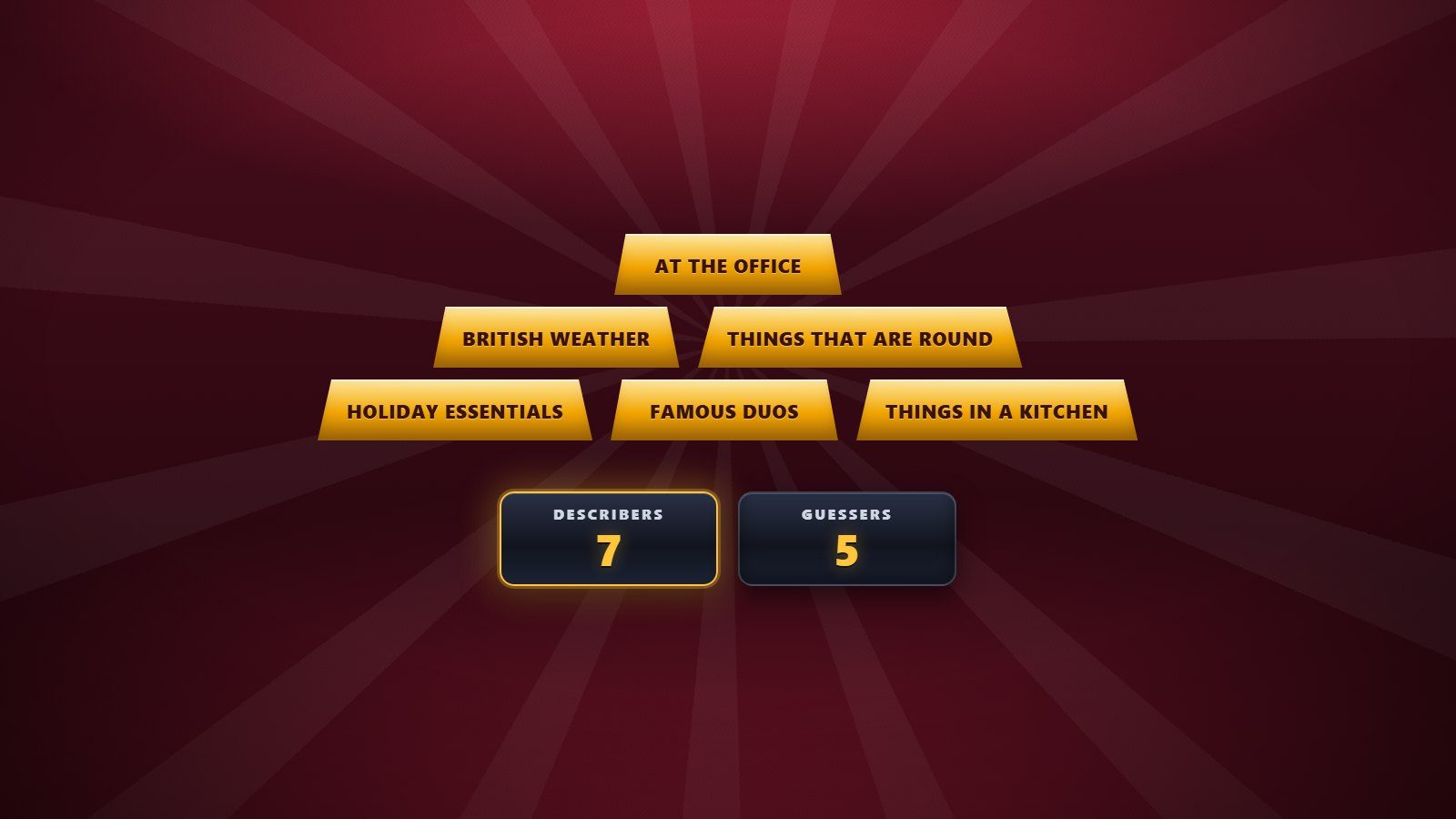
- 100 plus: stop splitting. Use a format every person plays on their own phone at once, which is what the eight whole-room game show formats I run are built for, nothing to download.
Our guide to team building activities covers the in-person equivalents and the filters to apply.
How should you run the breakout rooms?
Pre-assign the rooms, name a host in each, put the task on screen before anyone moves, and set the timer. Improvising this live is where sessions die.
Microsoft Teams supports up to 50 breakout rooms in meetings of up to 1,000 people, lets you appoint a breakout rooms manager, and closes rooms on a timer so people return automatically. In Google Meet the host can set a room timer and people can press “ask for help” to pull the host in.
Three things worth doing:
- Give each room a question with one deliverable: a sentence, a ranked list, a choice.
- Tell people what happens when they come back, before they go.
- Keep one room as a quiet room for anyone who would rather listen.
A virtual breakout is the same job as a breakout session at a conference, minus the view from the front.
How do you make a virtual session accessible?
Turn captions on, make cameras optional, and check that nothing depends on a sense, a speed or a kitchen cupboard. Over 18 million people in the UK are deaf, have hearing loss or tinnitus, which RNID puts at one in three. Google Meet offers live captions, translated on some Workspace editions.
Employers must make reasonable adjustments so disabled workers are not substantially disadvantaged at work, and a team social is still work. Ask about access needs on the invite, not on the day.
Then the checks:
- Anyone dialling in by phone cannot press “ask for help” in Meet, so someone watches chat for them.
- Drop anything scored on typing speed, reaction time or hearing a sound cue.
- No activity that needs a printer, an item from home, or a drink in hand.
- Keep it inside working hours, and across time zones rotate the slot rather than inconveniencing the same region every time.
Which virtual team building activities hold attention?
Formats where everyone answers at once and there is a result on screen. Five that earn their slot:
- Ranked guesses. The host reads five things, teams put them in order. Six minutes, any size.
- One real decision. Each room gets an open question from the business and ten minutes to pick an option and name the trade-off. This plays to what video calls are good at.
- Prediction round. Higher or lower on real company numbers, revealed live. Loud, and people leave knowing a figure about their own business.
- A hosted quiz or game show round. Everyone plays on their own phone, nothing to download, and a host carries the pace so the awkward gaps never open.
- Sixty-second expertise swap. In rooms of four, each person gets a minute on something colleagues do not know they can do. Timed, so nobody judges when to stop.
For the opening three minutes, our virtual icebreakers shortlist is built for that slot.
The formats that fail
Professional adults join in happily when the format removes the risk of looking foolish. Cringe, not reluctance, is what kills participation.
- The hour-long quiz with nobody hosting it. Dead air between rounds does the damage, not the questions.
- Anything that asks people to perform. Charades, singing, improvised sketches on camera.
- The full go-round. Thirty people giving a fun fact each is twenty minutes of waiting your turn.
- Tasting kits and evening socials. They eat personal time and exclude anyone who does not drink or has caring duties.
- Scavenger hunts round the house. Awkward for anyone who would rather nobody saw their kitchen.
- Anything run by a committee with no host. Someone has to own the clock and the energy.
Hybrid rooms need one extra rule
Treat the remote half as the main audience, not the overflow. Everyone joins on their own device, even the people sitting together, and teams are mixed across locations so no breakout is all-room or all-remote.
Two posts go deeper: hybrid event engagement on keeping both rooms with you, and how to keep remote attendees in the session once the novelty wears off.
Finish with something that sticks
End on one question: what is different on Monday, and who owns it? Write the answer in the chat while everyone is still there. A session that closes with an owner and a date gets remembered. One that closes with “thanks everyone” does not.
If you are planning a virtual or hybrid team day and want someone to run the room, send the agenda or check availability at hello@conferencehost.uk.


17:00Close
Send me your agenda. I’ll show you where the room comes alive.
A fixed price, a free planning call, and a reply within one working day.