How to Keep Remote Attendees Engaged
TL;DR
- Remote attendees watch you on a screen surrounded by email, chat and a second device you cannot see, so their attention leaks constantly.
- Name them, speak to the camera, and give them something to do every few minutes rather than talking at them for half an hour.
- Cameras on works for small groups; for a large audience, drive participation through chat and live polls instead of demanding faces.
- Staffed chat moderation turns a dead sidebar into a reason to stay present.
- Build the interaction into your run of show from the start, not as a rescue act at the end.
Remote attendees are the easiest people in your event to lose. They are sitting alone, watching a screen, one click away from email and a second device you cannot see. Keeping remote attendees engaged is a different job from working a live room, and it rewards a different set of tactics. This is how to hold their attention from the first minute to the last.
Why do remote attendees drift off?
Remote attendees drift off because the format quietly gives them permission to. In a hall, standing up and leaving is visible and awkward. At a laptop, checking a message costs nothing and nobody sees it.
There is also a real cognitive cost to being on camera all day. Stanford researchers traced video call fatigue to four causes, including constant close-up eye contact and the strain of watching yourself on screen for hours. Tired people disengage.
Microsoft’s brain research adds a second warning. In their EEG study, stress markers climbed steadily through back-to-back meetings, and engagement dropped without breaks. If your attendees have been on calls since 9am, you are starting from a deficit.
The reality for remote attendees: second screens and fatigue
Picture the person you are trying to reach. They have your session in one window, their inbox in another, and a phone face-up on the desk. That is the room you are actually presenting to.
The odds get worse as the audience grows. A large study of remote meetings found that longer meetings and bigger ones both correlate with more multitasking. Your 300-person, 90-minute virtual conference is close to the worst case for a wandering mind.
None of this is laziness. It is the natural behaviour of an adult who has been given a screen and no reason to look up from it. The fix is not guilt. The fix is design.
How do you hold attention with direct address?
You hold attention by speaking to one person, not to a faceless list of names. Look into the camera lens, not at the gallery of faces, so it reads as eye contact on the other end.
Use the word “you” and use it often. “If you are watching this from a home office right now” lands harder than “attendees may be joining remotely”. Naming the situation tells people you know they are there.
Then name individuals. Reading out who has just joined, or thanking someone by name for a chat comment, resets attention across the whole audience. Everyone sits up slightly, because anyone could be next.
Keep your segments short. A remote audience will give you a few minutes of full focus, then start to fray. Plan in blocks of five to seven minutes, each ending on a question, a poll or a hand-over, so there is always a reason to stay.
Should you ask remote attendees to turn cameras on?
For a small group, yes; for a large audience, no. Cameras on works when everyone can see everyone, because it restores the social pressure of a real room and makes drifting off visible again.
Once you pass twenty or so faces, that logic breaks. Nobody can track a wall of thumbnails, the self-view fatigue that Stanford flagged sets in, and people with poor connections or shared spaces feel singled out. Demanding cameras from hundreds of people creates resentment, not attention.
For a large virtual audience, stop chasing faces and chase participation instead. A single well-placed poll or a prompt into the chat tells you far more about whether the room is with you than a grid of switched-off tiles. If you want a fuller walk-through of the format choices, our virtual event host page sets out how a hosted session runs.
How often should you build in interaction?
Aim for a genuine interaction every three to five minutes, not one big activity at the end. Little and often beats a single grand finale that half the audience has already tuned out before.
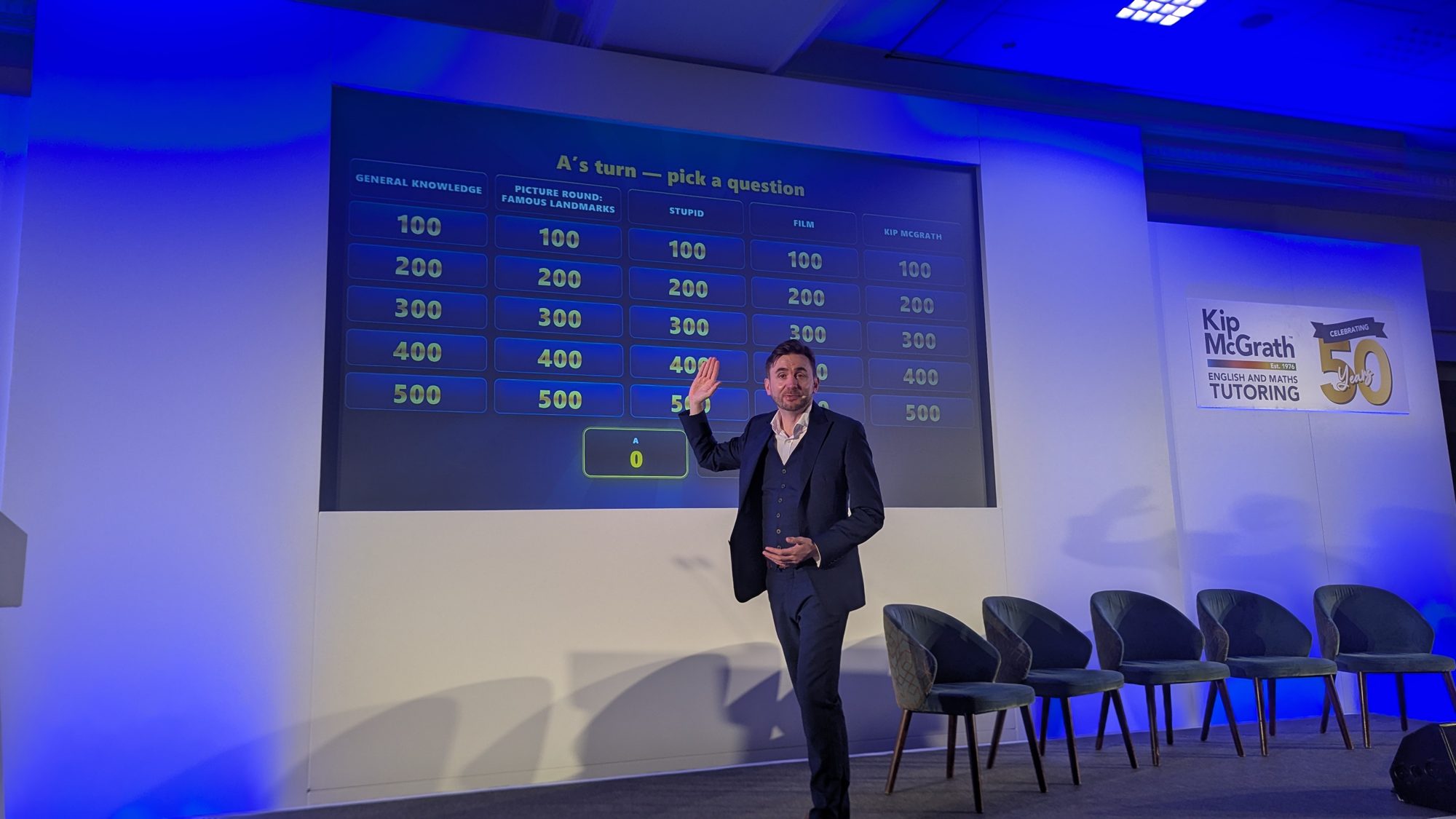
Interaction does not mean forcing people to unmute and speak. For most professional adults that is the fastest route to silence. The formats that work remove the risk of looking foolish: a poll, a quick word into the chat, a this-or-that vote, a live quiz that everyone plays from their own device.
A rhythm to plan against:
| Moment | What to run | Why it works |
|---|---|---|
| First 2 minutes | A one-word chat prompt | Gets hands on keyboards early, sets the norm |
| Every 5 to 7 minutes | Poll, vote or quick question | Resets attention before it drifts |
| Post-lunch or mid-session slump | A whole-room game or interactive round | Deliberately re-energises a flagging audience |
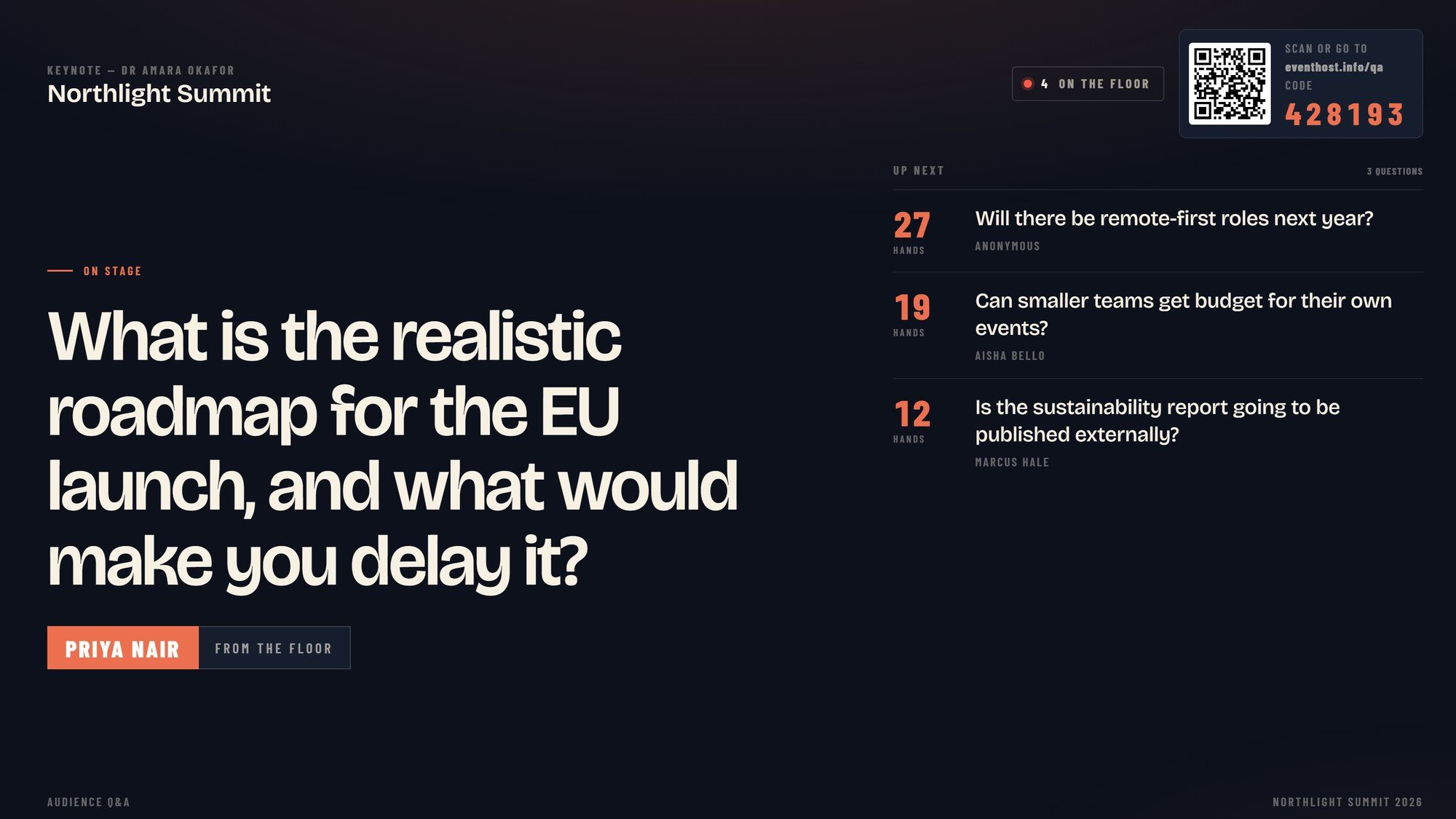
| Before Q&A | Live question submission | Warms the room up so Q&A is not silence |
The point is that engagement is not a gimmick bolted on at the end. It is how you keep the room with you, minute by minute.
Who should moderate the chat?
Someone other than the person presenting should own the chat. A host trying to talk and watch a scrolling sidebar at the same time will do both badly, and the chat is where a remote audience actually lives.
A dedicated moderator does three jobs. They welcome people by name so arrivals feel seen. They surface the best comments and questions to the host out loud, which rewards anyone who posts. And they quietly answer the simple stuff, so the main thread stays on topic.
That last job matters more than it looks. An unanswered chat teaches people to stop typing, and a silent chat is a silent audience. A responsive one becomes a reason to keep watching, because posting there gets a reaction.
If you are running the session yourself with no support, at minimum pause deliberately to read and respond to the chat on a set beat. Naming what people have written pulls the whole audience back in.
A run of show that keeps remote attendees with you
Put all of this on paper before the event, because engagement that is planned survives contact with a nervous morning and a slow start.
Open with a low-stakes interaction in the first two minutes, while people are still deciding whether to keep the tab open. Set the expectation early that this session asks something of them.
Through the middle, hold to your five-to-seven-minute blocks, hand between voices to break the monotony of one face, and lean on your moderator to keep the chat alive. Target the known energy dip after lunch with your strongest interactive moment, not your driest slide.
Close by pointing people somewhere specific, whether that is a next session, a resource or a way to reach you. A clear ending beats a session that simply stops.
Getting a remote audience to lean in is a craft, and it is the same craft whether you have twelve people or a thousand. If you want the full method for planning one of these days, read our guide to hosting virtually, or get in touch to talk through your agenda.
17:00Close
Send me your agenda. I’ll show you where the room comes alive.
A fixed price, a free planning call, and a reply within one working day.