Should a Conference Host Use a Teleprompter? When It Helps

TL;DR
- A conference host should use a teleprompter only for scripted words that must be exact: a chief executive’s welcome, a sponsor read, an award citation.
- Do not put links between sessions, panel questions or audience Q&A on one. Reading them costs the room’s attention.
- The operator follows the speaker, not the other way round. Rehearse with the operator on the real kit.
- Keep a printed copy of the script in the wings. Most of the guidance names it as the fail-safe.
- Ask the venue who supplies the screens and the operator before you assume either.
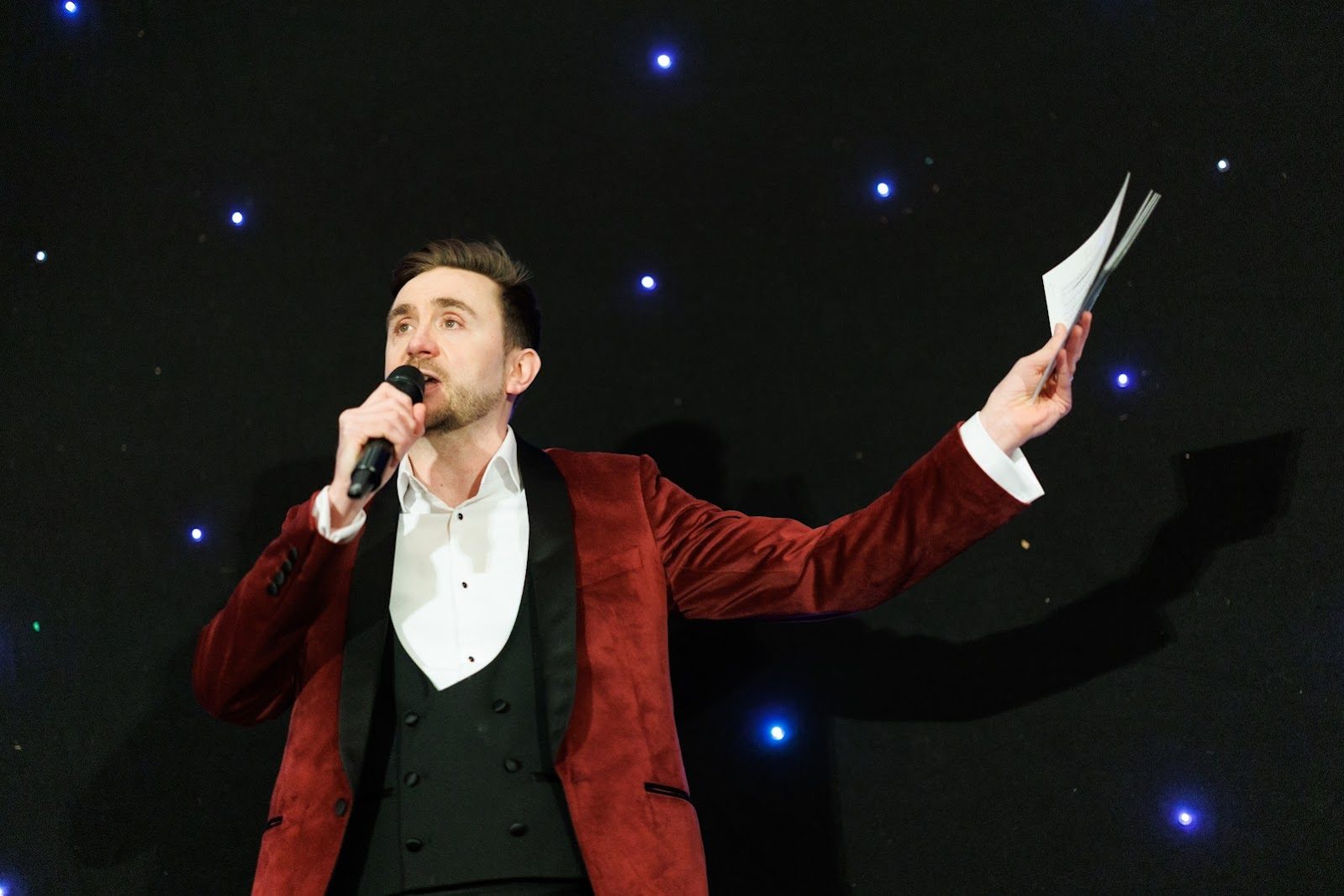
Should a conference host use a teleprompter? Mostly no, and for a few scripted segments yes. A teleprompter (also called an autocue) is a screen that shows a speaker their script while they look out at the room. I am Kevin Durham, a broadcast-trained conference host, MC and panel moderator with more than twenty years on stage and television. This post is the decision, not a manual, and it draws on published guidance. My working rules are labelled as mine.
Should a conference host use a teleprompter?
A conference host should use a teleprompter only when the exact words matter more than the connection with the room. Ragan, the communications publisher, wrote in 2017 that it typically discourages them because speakers struggle to build rapport while reading, but allows them where word-for-word precision counts.
That is the test I use. A host’s value is that the room feels spoken to. A prompter helps when a legal phrase, a name or a sponsor’s wording cannot be paraphrased. It hurts when the job is to react.
Patricia Fripp, a speaking coach, wrote in March 2026 that a prompter is a support system, not a substitute for preparation. The speaker still has to know the material.
Which segments should use teleprompter scripts?
Put on a teleprompter the segments someone has signed off word for word, and leave off everything the host or chair must improvise. This table is my judgement, built from the guidance above, not a rule from any source.
| Segment | Prompter? | Why |
|---|---|---|
| Chief executive’s scripted welcome | Yes | Wording is approved and the stakes are high |
| Sponsor thank-you or read | Yes | Names and claims must be exact |
| Award citation | Yes, if the ceremony is formal | The winner’s name and the wording are the point |
| Housekeeping and fire safety | Optional | Short, but it must be complete |
| Links between sessions | No | A link reacts to what just happened |
| Panel questions and Q&A | No | The next line depends on the last answer |
| A speaker’s whole keynote | Only if they ask | Reading a 40-minute talk is the failure mode |
If a speaker will tell a story that is not in the script, mark it. Throughline Group, a media training company, advises adding a clear cue and rehearsing the break with the operator, because an unplanned ad-lib throws the operator off.
How does a teleprompter operator work with a speaker?
A teleprompter operator controls the scroll speed from off the stage and follows the speaker’s pace. The speaker does not chase the text. BizBash published guidance from the Event Leadership Institute in February 2017 telling speakers to talk at their natural pace, because the operator adjusts to them.
The same article says to rehearse on stage so the operator can learn the speaker’s cadence. Teleprompter.com, a vendor, said in April 2024 that operators also set cues for pauses and emphasis and handle last-minute edits.
Two practical points follow. Late changes to a script have to reach the operator, so agree who owns the final file. And applause is a pause: the speaker waits and the operator holds the text.
What goes wrong when speakers use teleprompter screens?
The usual faults are rushing, reading and a failure with no fallback. Each has a known cause and a cheap answer, and the fallback gets its own section below.
Rushing. Fripp says dense text makes a speaker rush. Short paragraphs and visible white space give you places to breathe. The Speaker Agency blog, updated August 2026, also advises short paragraphs.
Doing the arithmetic. Moxie Institute’s guide, read November 2026, puts conversational speech at about 140 to 160 words per minute. A four-minute welcome is therefore roughly 560 to 640 words. A script of 900 words will not fit that slot, and the chief executive will either rush or overrun. Ask for the word count before the rehearsal, not after.
Ping pong. Throughline describes the glass-panel setup, with one panel either side of the speaker. Its advice is to stay on one panel for a sentence or a topic rather than darting between them. A speaker who flicks left and right looks like a spectator at a tennis match.
Looking down. Fripp says a prompter set too low is obvious to the audience, while one set high barely shows. That is a placement question for the venue.
The printed copy that saves the day
Throughline, BizBash and the Speaker Agency blog all say to keep a printed copy. My own rule, added to theirs: the printed copy should carry the same wording in the same large type as the screen, and the host should know where it is. If the kit dies, my tech failure plan covers the first thirty seconds.
Seven questions for the venue about the prompter
Ask the venue or the AV company seven things before you promise anyone a prompter. These are questions, not specifications, because every venue is different.
- Who supplies the screens, the stand and the operator, and is the operator a named person?
- Is it a glass panel either side of the lectern, a screen on the floor, or a confidence monitor, a separate screen the speaker faces?
- What does the speaker see on that screen: the script, the slide, or both? Fripp argues a confidence monitor should show the slide, not the script.
- When can the speaker rehearse on it, with the operator, on the real stage?
- Who sends the final script, in what file, and by when?
- How do late edits reach the operator on the day?
- Is there a second screen or a printed copy if the first one fails?
The speaker brief is the right place to put the answers, and the conference rehearsal is where the operator and speaker finally meet. Wikipedia notes that “autocue” is a trademark of Autocue Group Ltd while teleprompter is now a generic word, so ask for the function, not the brand.
Do you need a teleprompter or a professional host?
Most conferences need a clear running order and a host who can speak to the room, not a prompter. A teleprompter is a production line item for the few scripted segments. A host is the person who covers everything that cannot be scripted: the links, the late speaker, the panel and the questions.
That is the reason to bring in a professional. If a chief executive reads a scripted welcome from a prompter and the next hour is live, the room needs someone who can pick up from the script and make the live part feel like part of the same day. The prompting kit and operator are a question for the venue or AV company. The hosting is mine.
Matt Gilby of GCPA Ltd said on the reviews page: “Incredibly well prepared, including double checking pronunciations.” That preparation is the dull, valuable part of any script, whether it sits on a screen or on paper.
If it is one speaker, one lectern and a small room, do not hire a host for this. Give the speaker a printed script in large type and a rehearsal. For a hall with a scripted chief executive, sponsors, an awards ceremony script and a live Q&A, a conference MC holds the whole day together.
What to have ready when you get in touch
Send the agenda, marking which segments are scripted and who the speakers are. Add the date, venue and room size, and what the venue says it supplies for screens and operators. I quote a fixed price per event, with no hidden extras, and RoomReader, my live Q&A software, is included with hosting.
If you are looking for a conference host, send the agenda or check availability at hello@conferencehost.uk, or call 07596 851647.
17:00Close
Send me your agenda. I’ll show you where the room comes alive.
A fixed price, a free planning call, and a reply within one working day.