Conference Rehearsal: What to Check in the Hour You Get
TL;DR
- A conference rehearsal tests the transitions, the kit and your assumptions. Nobody needs to practise their words.
- With one hour, spend it in this order: routes, sound, slides and video, handovers, reset.
- AV failures and under-staffed venues are the most common problems I see, so rehearse the tech and find out who is on the venue’s crew. Walk-ons and walk-offs also fail, and they cost nothing to fix.
- A senior person who will not rehearse gets a clear cue and a crew member to guide them.
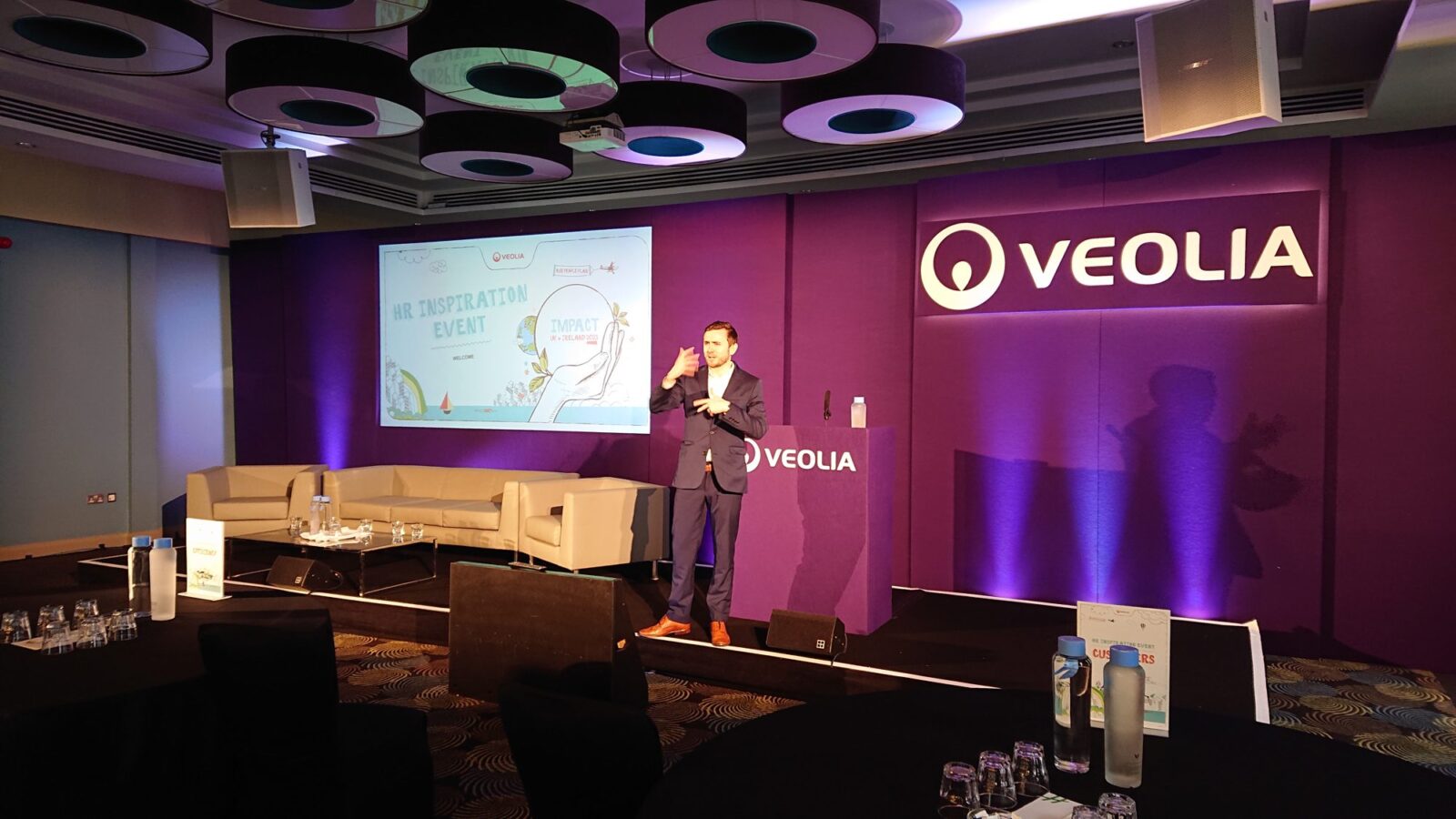
A conference rehearsal is a structured run through the day’s hardest moments, on the real stage with the real kit, before any delegate arrives. It tests connections: person to stage, laptop to screen, host to speaker. I am Kevin Durham, a conference host, MC and panel moderator, and after hosting more than 800 events I treat the rehearsal as the cheapest hour in the budget.
What is a conference rehearsal for?
A conference rehearsal exists to find faults while they are cheap to fix. It tests transitions, equipment and assumptions, not talks.
The TEDx organiser guide (read November 2026) calls rehearsals a non-negotiable for the talk itself. That suits speakers preparing months ahead. On the day the questions are different: does the walk-on work, does the video have sound?
Which conference rehearsal does your event need?
Most conferences need a technical rehearsal and a short host run-through. A full run-through only earns its cost when the programme is complex, filmed or built around one high-stakes moment.
| Type | What it tests | Who needs it |
|---|---|---|
| Technical rehearsal | Sound, screens, video, clicker, routes | Every conference |
| Speaker rehearsal | Delivery, timing, cues, nerves | Keynotes, panels, first-time speakers |
| Full run-through | The whole programme, in order, with cues | Filmed events, awards, launches |
The TEDx guide puts dress rehearsals one to two days out and asks organisers to walk the site: where speakers get ready, are miked, sit and exit. For a one-day business conference, that means the evening before or the morning itself.
What can you rehearse in the hour you actually get?
In a one-hour window, rehearse in this order: routes, sound, slides and video, handovers, then reset. Quick, high-failure checks go first, and the last minutes stay clear.
- Minutes 0 to 10: routes. Walk every way on and off the stage in real time. Count the steps and find the dark corners.
- Minutes 10 to 25: sound. Every microphone, the lectern, and audio played from a laptop.
- Minutes 25 to 40: slides and video. Each speaker’s file on the show machine, and the clicker tested from the back row.
- Minutes 40 to 50: handovers. The host runs every cue and says every name.
- Minutes 50 to 55: the awkward item. The panel seating, the presentation, the clip that went quiet.
- Minutes 55 to 60: reset. Slides back to the title, microphones off, everyone off stage.
The arithmetic forces the order. A ticketing company’s guide for live music, dated February 2026, suggests 20 to 30 minutes per act for a full sound check. Eight speakers at 20 minutes is 160 minutes. You have 60, so check the stage, not every person.
With only 20 minutes, keep routes and sound and move slides to the day before. One AV production company’s August 2026 checklist does the same: files confirmed against the room’s hardware the day before, a technical check on the morning.
What does only a rehearsal catch?
A rehearsal catches faults that appear only when a real person uses real kit. A desk check cannot, because they depend on distance, height and settings.
- Clicker range. Logitech’s R500s lists 20 metres, and says range varies with conditions. Test from the back row, not the stage edge.
- Video with no audio. The picture plays and the room is silent, because the laptop’s sound is not routed to the house system. Play every clip with its sound.
- Mirroring instead of extending. The speaker cannot see their notes. Microsoft says PowerPoint switches to Extend when a show starts, which is no help if another app plays it.
- Missing fonts. Some fonts cannot be embedded at all, either by type or by the creator’s permission. Open the real file on the show machine.
- No visible way on or off. Speakers hesitate at a black curtain.
- A lectern mic set for someone a foot taller. Reset it for each speaker, and ask for their ordinary speaking volume.
- Radio interference. Ofcom says shared bands can suffer interference from lights, computers and atmospheric conditions. Walk the room with every radio microphone on.
The walk-on and walk-off
AV failure and an under-staffed venue go wrong more often in my experience, but the walk-on and walk-off are the easiest failure to fix. Nobody logs it as a fault because it looks like nerves: a speaker pauses at the stage edge, turns the wrong way, or exits into the front row.
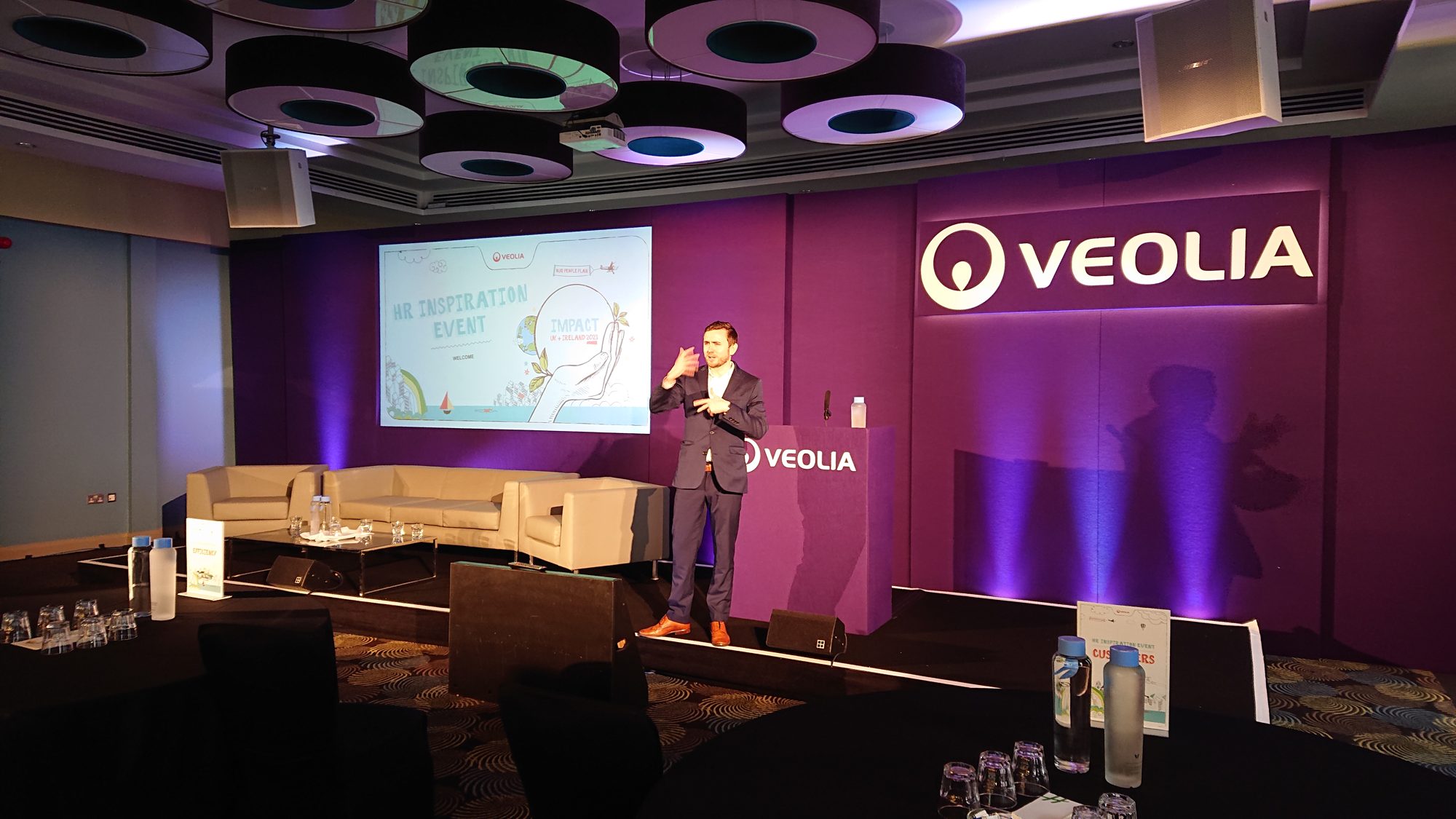
Walk each route with a stopwatch. Settle five things:
- Which side the speaker enters from, and who is standing there.
- Where the host waits, and where they step to as the speaker arrives.
- Where the speaker stops, with a mark if needed.
- What changes hands: a microphone, a clicker, nothing.
- The exit. Which side, which steps, who takes the kit.
The TEDx guide asks speakers to take a beat and settle their feet before starting, which works only if they know where they are heading. Time a full-width crossing and build it into the agenda’s buffer.
Who needs to be in the conference rehearsal?
Four roles must be there: the host, whoever runs sound, whoever runs slides, and the stage manager or organiser. Speakers join for their own slot, unless they open or close the programme. A panel needs every member for five minutes to settle seating and microphones (panellist tips). A remote speaker needs a test link and an agreed fallback.
Everyone should hold the same run of show.
The sound-check order that stops twenty minutes disappearing
Check the host’s microphone first, then the lectern, then panel microphones, then speakers by risk. Shared equipment is checked once, so an early fault is fixed once, not seven times.
Music uses reverse running order: headliner first, opener last. A conference is not a gig, so use risk:
- The host’s microphone, because everyone relies on it.
- The lectern microphone and the lectern light.
- Panel and handheld microphones.
- Anyone with video, a remote clicker or a live demonstration.
- The senior speaker whose slot cannot move.
- Everyone else, in running order, in the gaps.
Thirty seconds of ordinary speech is a test. A full performance is a delay.
How do you rehearse with speakers who think they do not need one?
Frame the rehearsal as a check of the stage, not of the speaker. Say the kit has to work for them and you need five minutes. Experienced speakers resist being tested, not being helped.
The diplomatic version: “I want to check the clicker works from where you will stand, and I need your handover cue. Five minutes, any time between 8:15 and 8:45.” It gives a reason, a duration and a window.
Put it in the invitation, especially for keynote speakers. If they still decline, ask in writing for their first line, their last line and how they want to be brought off.
What do you do when the chief executive will not rehearse?
Do not chase them. Brief them in writing, agree one clear handover cue, and post a crew member to walk them from the wings to the mark. Nothing should need deciding on the day.
The brief is one page: where to wait, when the walk-on happens, what to hold and where to stop. The cue is a line from the host that cannot be misheard, such as their name and title followed by a pause. A named crew member stands at the wings, hands over the microphone and guides them off. A volunteer stand-in finds the problems the chief executive would otherwise find live.
What the host rehearses
The host rehearses handovers and names. Everything else belongs to the crew. Say each introduction aloud, on the stage, at full volume.
Run the opening line from the walk-on mark, every handover cue in the run of show (naming who triggers what), every name and job title with the awkward ones written phonetically, and the closing handover.
See introducing a speaker for the introductions themselves, and conference hosting for the whole day.
When is it worth bringing in a professional host?
It is worth it when the day has more handovers than one organiser can hold in their head, or the room is big enough to lose. A professional host takes the handovers and names off your list. I have watched the energy in a room for twenty years, and it is a curve: the cold 9am open, the slump after lunch. The rehearsal is where you plan for it.
Doing it yourself is the right call for a single-room, half-day internal meeting with a confident chair.
What to have ready when you get in touch
Have the date, the room size, the agenda or run of show, and what went wrong last time. Each event is quoted at a fixed price with no hidden extras. As a conference host, I can say quickly what I would rehearse. Check availability, or send the agenda to hello@conferencehost.uk or call 07596 851647.

17:00Close
Send me your agenda. I’ll show you where the room comes alive.
A fixed price, a free planning call, and a reply within one working day.