Free Live Polling Tools for Conferences
TL;DR
- Free live polling lets a room vote from their phones with nothing to download, and for a quick pulse-check that is often all you need.
- The honest limit is scale: free tiers cap participants per month, polls per event, or audience size per poll, so a big hall hits the wall fast.
- Phone-browser polling runs through a short code or QR link, so delegates never install an app.
- Free is enough for a single vote or a small session. A full agenda or a hall of hundreds usually outgrows it.
- A poll on its own rarely holds a room. Engagement is giving people a reason to look up, not just tap a screen.
Free live polling can turn a silent hall into a live bar chart in under a minute, and for a lot of conference moments that is genuinely enough. This guide covers what free live polling actually gets you, which real tools do it without a bill, how phone-browser voting works, and the exact point where a free tier stops keeping up with a full room.
What does free live polling actually get you?
Free live polling gets you a fast, visual read of what a room thinks, collected in seconds and shown on the big screen as the votes land. That is the whole appeal, and it is a real one.
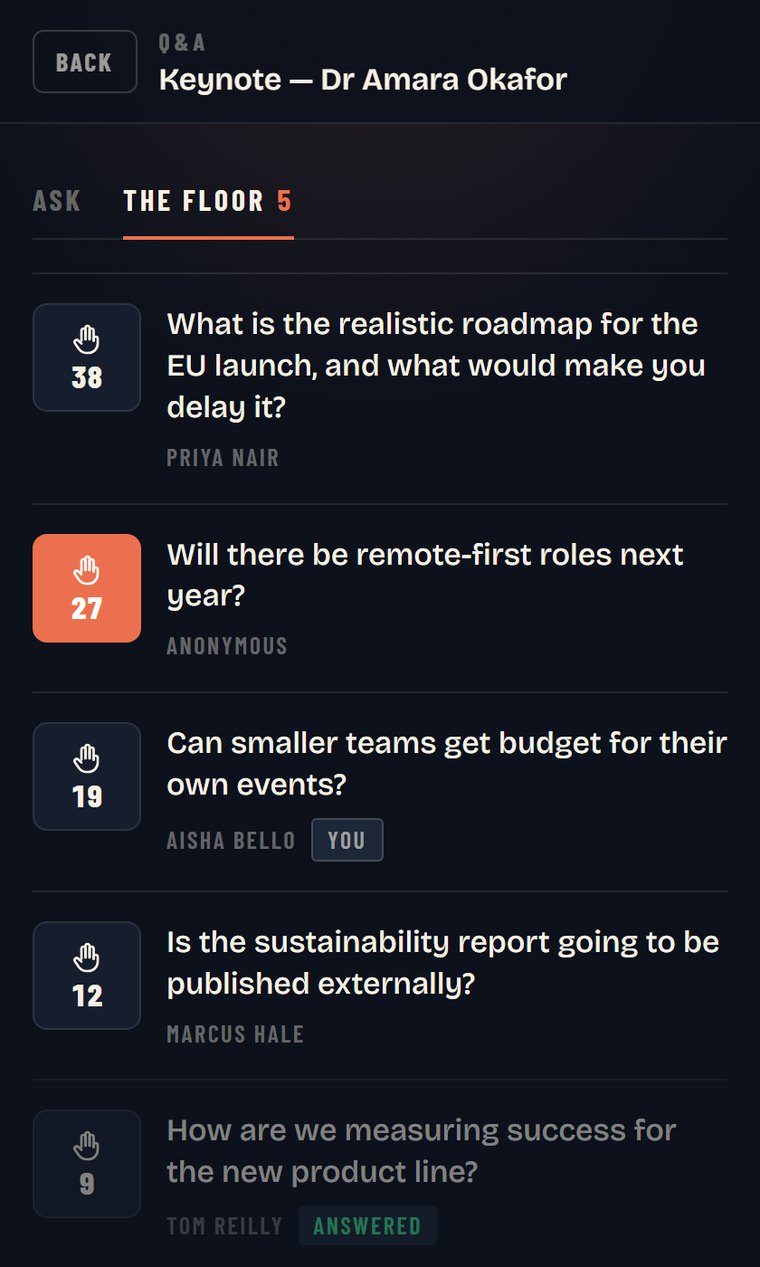
On the entry tiers you can usually run multiple choice, word clouds, rating scales, and simple open-text questions. Delegates answer on their phones, results build live, and you get an instant temperature check: which option wins, how the room feels, what questions are top of mind.
Treat it for what it is. Free live polling is a way to broadcast opinions to a screen quickly. It is not a full engagement programme, and it was never priced to be one.
How does phone-browser polling work?
Phone-browser polling works entirely inside the delegate’s web browser: they scan a QR code or type a short web address and a code, then vote, with nothing to download.
There is no app store, no install, and no account for the audience. It works the same on iPhone and Android, and the results update on the main screen as people tap. For a host this matters more than it sounds. Every extra step loses a slice of the room, and an install screen at 9am loses a big one.
Two practical notes for a live room. Put the QR code and the short web address on the same slide, because some phones sit too far from the screen to scan cleanly and a typed code is the reliable fallback. And leave the joining slide up for a full minute before you launch the first question, so latecomers and the back rows are not locked out of the vote.
The trade-off is that a browser session is light by design. It votes, it shows a result, and then people look back down at their phones unless you give them a reason not to.
The best free live polling tools right now
A handful of well-known tools offer a genuine free tier. Here is an honest read of what each one gives you and where the ceiling sits.
| Tool | Free tier includes | The catch |
|---|---|---|
| Mentimeter | Unlimited questions and slide types | Capped at a set number of participants per month |
| Slido | A few polls plus one quiz per event | Poll count and participants per event are limited |
| Poll Everywhere | Unlimited polls | Audience capped at 40 people on the free tier |
| Kahoot | Competitive quiz and game modes | Built for scored quizzing more than sober polling |
The specifics are what decide whether free works for your event. Mentimeter’s free plan allows unlimited question slides but caps you at 50 participants a month. Slido’s free Basic plan gives you three polls plus a quiz per event, with up to 100 participants. Poll Everywhere’s free tier runs unlimited polls but caps your audience at 40 people.
Kahoot sits slightly apart. It is built around scored, competitive quizzes rather than quiet opinion polls, so it is a strong pick for a light-hearted round and a weaker one for a serious vote.
Where do the free tiers run out?
Free tiers run out at scale: the moment your audience or your agenda grows, the caps bite, and they bite quietly.
Picture a hall of 200. On Poll Everywhere’s free plan, only 40 people can take part, so most of the room is locked out of the vote. On Mentimeter’s free plan, a single busy session can burn through the monthly participant allowance in one go. Slido’s three-poll limit is fine for a single vote, but a full day with several interactive moments needs more.
There are softer limits too. Free tiers tend to restrict branding, question-level moderation of audience Q&A, and exporting results afterwards. None of that matters for a one-off vote. All of it matters when polling is meant to carry a whole event.
The moderation gap is the one that catches people out. On a paid tier you can screen incoming questions before they hit the main screen. On a free tier you often cannot, which means an off-colour comment can appear in front of the whole room before you can react. For an internal meeting that is a small risk. For a client-facing conference it is not one worth taking.
When is free live polling enough?
Free live polling is enough when the audience is modest, the poll count is low, and the vote is a nice extra rather than the backbone of the session.
It is a sensible choice for:
- An internal team meeting or a recurring standup that wants a quick vote.
- A single keynote with one or two audience questions on screen.
- A workshop of twenty or thirty people where everyone comfortably fits under the free cap.
It starts to creak when you are running a hall of hundreds, when interaction needs to recur across a full agenda, or when you need dependable Q&A moderation so nothing awkward lands on the main screen mid-session. At that size, the time you spend nursing free-tier limits costs more than it saves.
A poll is not the same as engagement
Here is the part the tool comparison misses. In my experience a polling tool often gets added to an event and then nobody really engages with it, because a poll on its own is not a reason to look up from your phone. It answers a question and the room drifts straight back to email.
Real audience engagement is keeping the whole room with you from the first minute to the last, not surveying it once an hour. A vote is a moment. Engagement is a curve you manage across the cold 9am open, the post-lunch slump, and the awkward gap before networking.
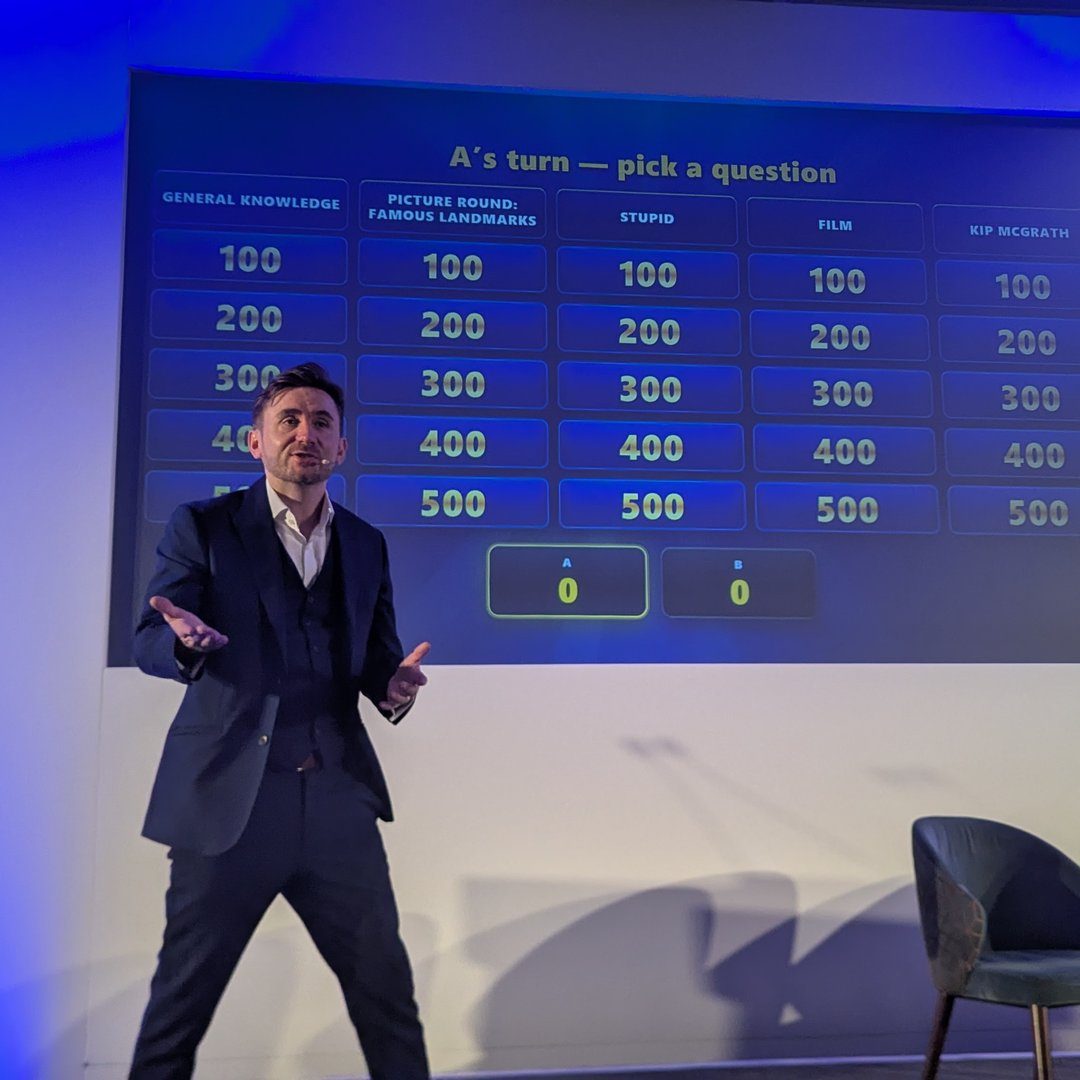
When I want a room genuinely engaged rather than simply polled, I run live Q&A and whole-room game show formats where every delegate plays on their phone, nothing to download. That includes RoomReader, my own live Q&A and audience response tool. It is not a free signup you grab the night before: it comes as part of a booking, set up and hosted so it actually gets used. You can see how the phone-based software fits into a hosted event rather than sitting unused as another link on a slide.
So use a free live polling tool where it earns its place: a quick vote, a small room, a light touch. When the event is bigger than that, the question is not which free tool to pick. It is whether a poll alone can carry the room, and usually it cannot.
If you are weighing that up for a specific conference, send the agenda and I will tell you honestly where a free poll is fine and where a host-run setup will do more.



17:00Close
Send me your agenda. I’ll show you where the room comes alive.
A fixed price, a free planning call, and a reply within one working day.