Kahoot Alternatives for Corporate Events (Not the Classroom)
TL;DR
- The best Kahoot alternatives for corporate events are the tools built for a hall of professional adults, not a classroom of thirty pupils.
- For live polls and Q&A during a talk, Slido, Mentimeter, Vevox and Poll Everywhere are the serious options. For competitive trivia, Quizizz, AhaSlides and Crowdpurr sit closer to the Kahoot format.
- A quiz app and a whole-room game show are not the same thing. An app runs on the screen; a game show is run by a person and keeps the room together.
- If you want game-show energy across a whole conference, that is a host-run format, not a self-serve app you download the week before.
- Match the tool to the moment: quiet polling for a keynote, upvoted Q&A for a panel, a proper game show for the post-lunch slump.
If you have run a quiz off Kahoot at an internal event and watched it land like a school lesson, you already know why people search for Kahoot alternatives. The tool is excellent at what it was made for, which is quick recall in a classroom. A conference hall of two hundred professional adults is a different room with different rules.
This is an honest roundup of the real alternatives, what each is genuinely good at, and where a self-serve app stops and whole-room play begins. No tool here is bad. The question is which one fits a corporate audience, and where a person running the room beats any app.
Why do most Kahoot alternatives feel built for the classroom?
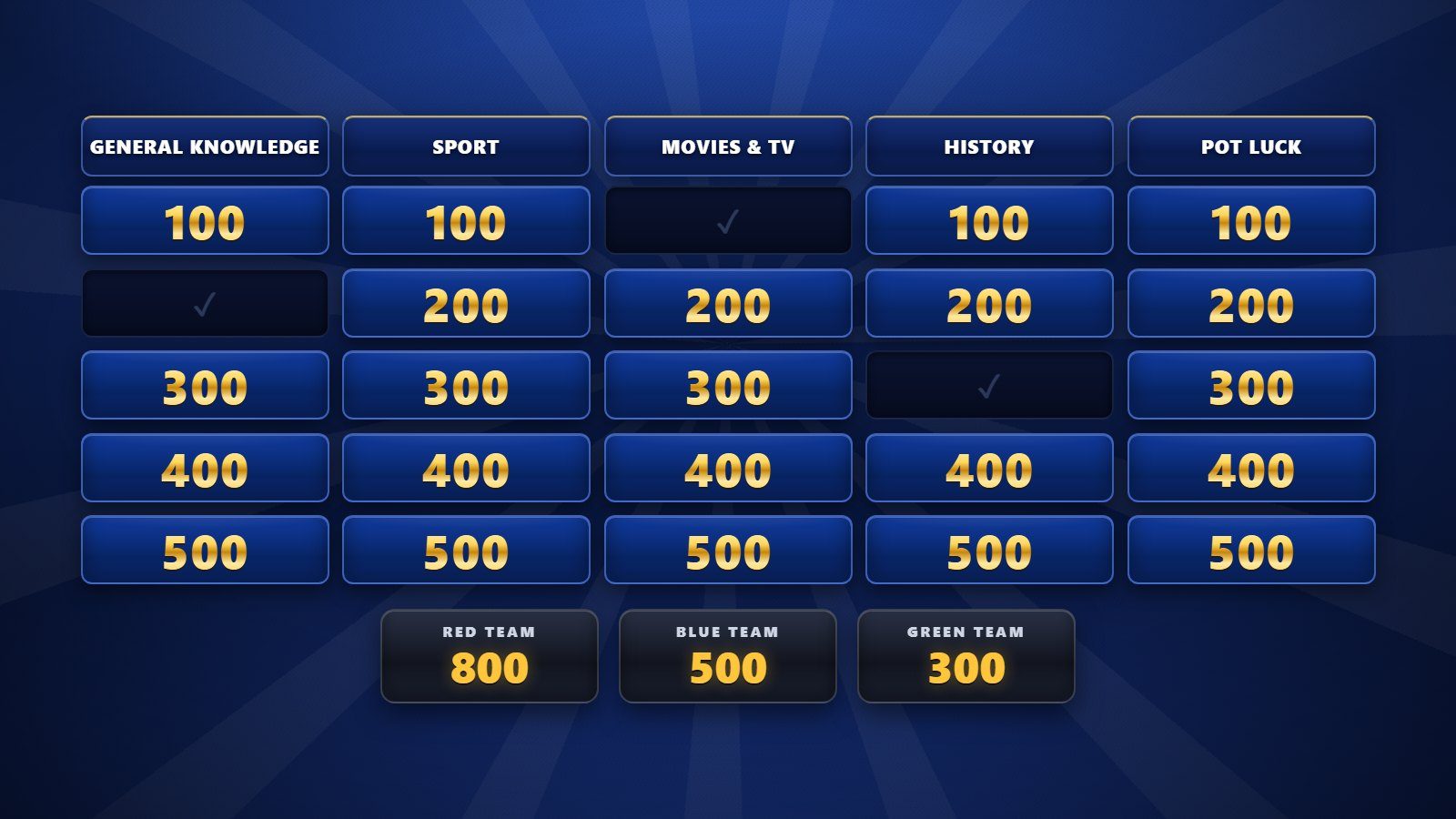
Most Kahoot alternatives feel like the classroom because that is the market they grew up in. Quiz apps were designed for a teacher and a class: short questions, a fast timer, a points race, everyone looking at one screen. That model rewards speed and a bit of noise, which works with pupils and can feel childish with a boardroom.
The problem is not the software. It is the format. A points race with a countdown puts individuals on the spot, and professional adults quietly opt out of anything that risks making them look foolish in front of colleagues. Cringe, not reluctance, is what kills participation in a corporate room.
The other classroom hangover is scale. Advice and defaults are tuned for a group of thirty, so features that shine with a class can wobble when a few hundred phones join at once. When you weigh up Kahoot alternatives for a corporate event, the first filter is simple: was this built for twelve to thirty people, or for a hall?
What matters when you pick a corporate quiz tool?
What matters most is that the tool works for a large room of adults without embarrassing anyone and without asking them to download a thing. Get those two right and you have removed the reasons corporate audiences sit on their hands.
Here is the checklist worth applying before you commit:
- Nothing to download. Delegates should join in a browser from a QR code or a short link. Any app-store step loses a chunk of the room.
- Real capacity. Confirm the plan handles your actual headcount, not a demo of twenty.
- Low-cringe modes. Anonymous polling and team play protect people who would never risk a public wrong answer as a named individual.
- Presentation fit. If it lives inside your slides, you avoid the awkward switch between decks and app on the big screen.
- A clear purpose. A poll on the wall is not a reason for anyone to look up from their phone. The activity needs to matter to the room.
Those last two points are where most engagement quietly fails. A tool gets added, a question goes up, and nobody really engages, because the moment was not designed, only decorated.
Which Kahoot alternatives suit corporate events?
The Kahoot alternatives that suit corporate events split into two groups: live-polling and Q&A platforms for during a talk, and competitive quiz apps closer to the Kahoot format. Here is an honest comparison of the tools organisers actually shortlist.
| Tool | Built for | Best at | Worth knowing |
|---|---|---|---|
| Slido | Q&A and polls | Upvoted questions at panels and town halls | Sits inside PowerPoint and Google Slides |
| Mentimeter | Interactive presentations | Word clouds, live polls, keynote moments | Strong for training and workshops |
| Vevox | Meetings and town halls | Anonymous Q&A and polling at scale | Popular for large all-hands sessions |
| Poll Everywhere | Audience response | Live polling in big rooms | Long-established, integrates with slides |
| Quizizz, now Wayground | Competitive quizzes | The closest live-quiz swap for Kahoot | Roots in education, has a business version |
| AhaSlides | Polls and quizzes | A budget-friendly all-rounder | Blends polling and quiz formats |
| Crowdpurr | Event trivia | Game-show style trivia and leaderboards | Aimed at events rather than classrooms |
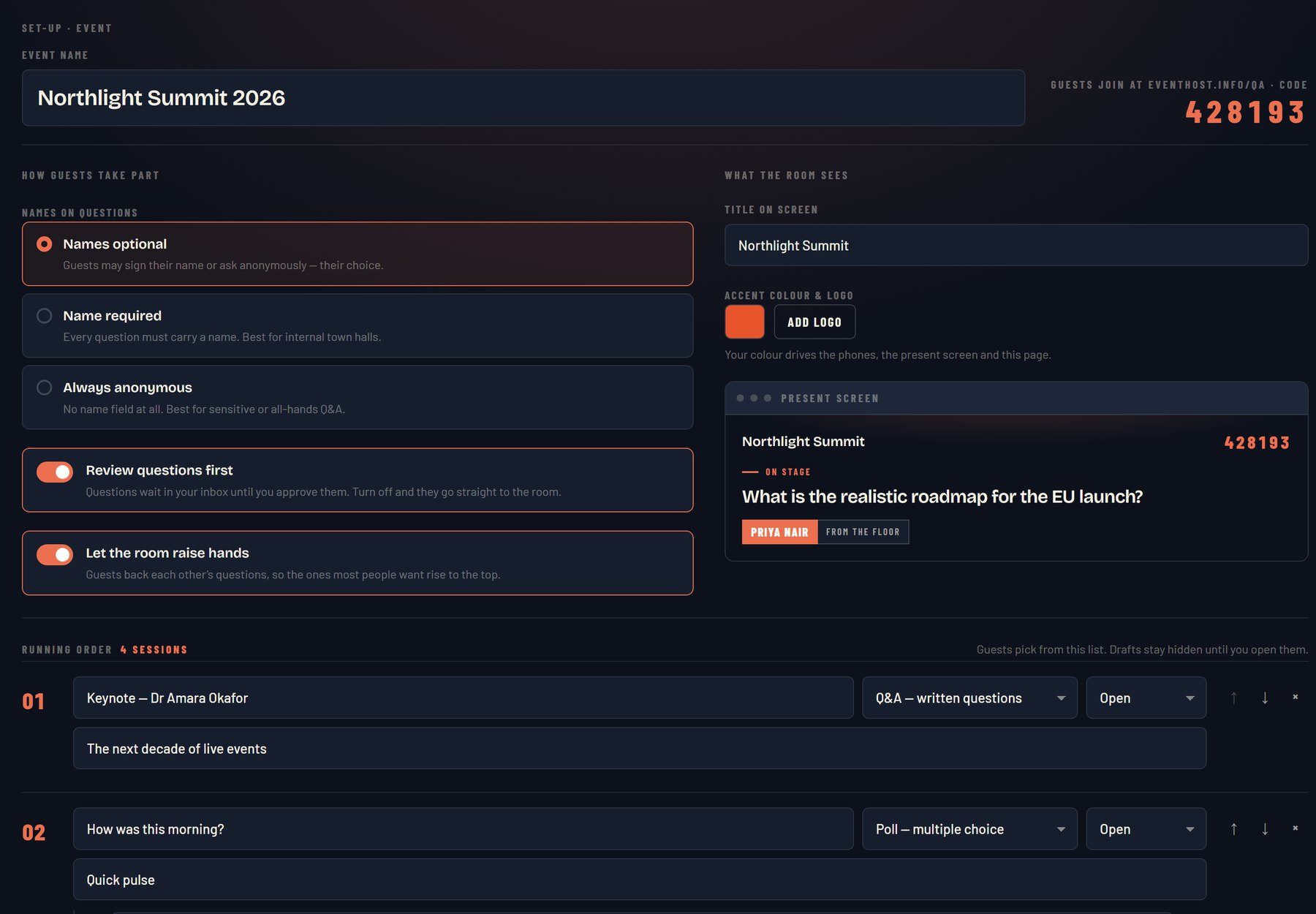
For a keynote or panel, the polling and Q&A tools earn their place. Slido is the default for surfacing the questions a big room actually wants asked, because the audience upvotes rather than shouting over each other. Mentimeter shines when you want the visual: a live word cloud or a poll that builds on screen as people answer.
For town halls and all-hands, Vevox and Poll Everywhere are built for anonymity and scale, which is exactly what you want when you are asking a workforce to be honest.
If you specifically want the competitive quiz feel, Quizizz, which has rebranded as Wayground, is the most direct swap for the Kahoot format, AhaSlides is a capable budget all-rounder, and Crowdpurr leans into game-show trivia and leaderboards for events. All of them run on delegates’ phones, which is the baseline you should insist on.

The gap between a polling app and whole-room play
There is a real gap between running a poll and running the room, and it is worth naming before you book anything. A polling app is a feature on the screen. Whole-room play is an experience the whole audience is inside at the same time.
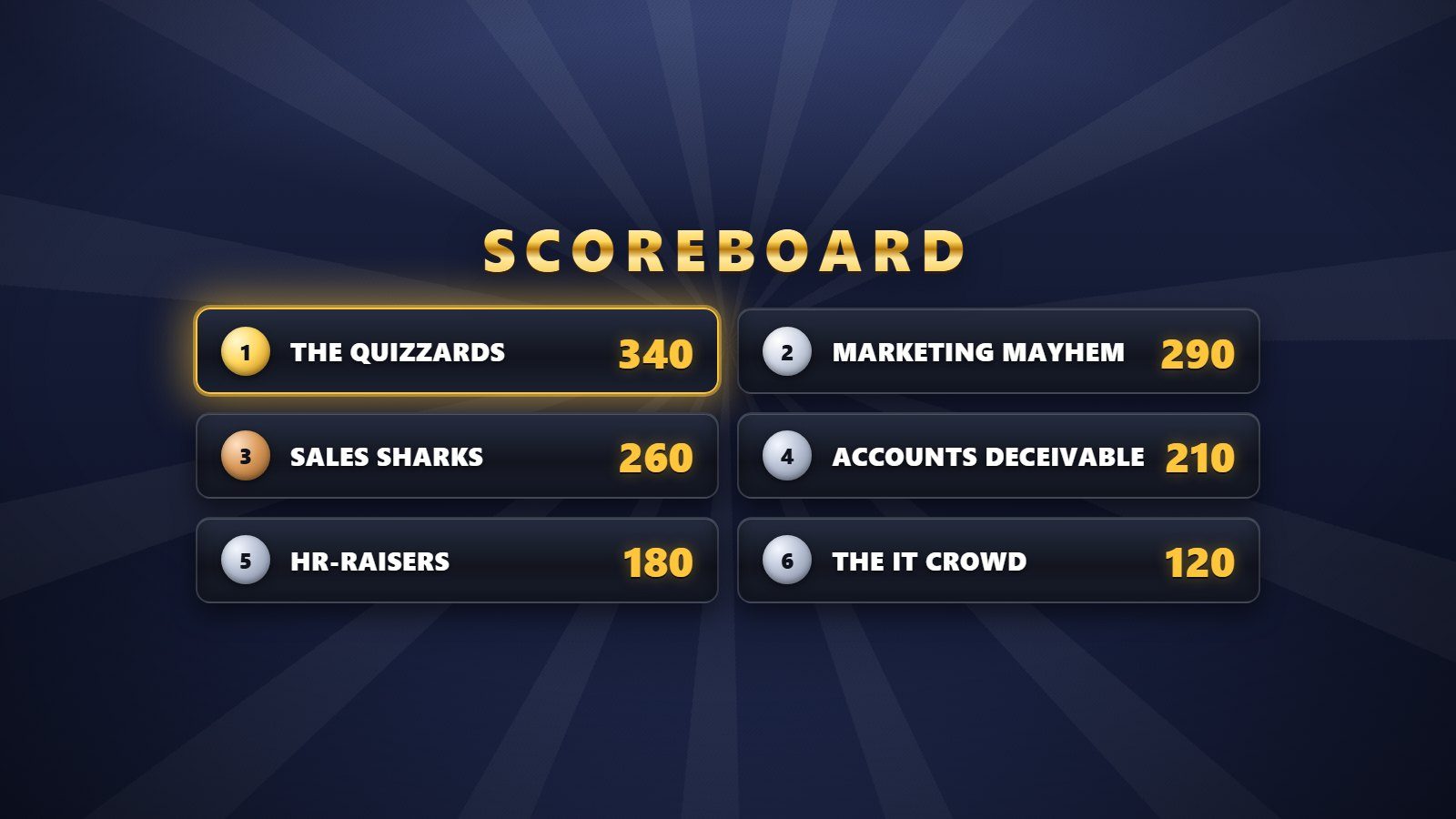
Any of the tools above will collect answers competently. What none of them do on their own is hold the energy of a day. The energy in a room is a curve, with a cold open at 9am, a slump after lunch around half past one, and an awkward gap before networking. A poll does not fix those dips. Something designed for the moment does.
That is the difference between adding interactivity and designing engagement. Interactivity is a button on a slide. Engagement is a reason for two hundred people to look up together. If your goal is a genuinely interactive session rather than a decorated one, the format and the person driving it matter as much as the app. Our audience software page explains how live questions work when they are built around the room instead of bolted on.
How does a host-run game show differ from a self-serve app?
A host-run game show differs from a self-serve app in one decisive way: a person is running it live, reading the room and driving the pace, rather than a timer on a screen doing the work. That is why it holds a hall when a solo quiz app tends to fade after the novelty of the first round.
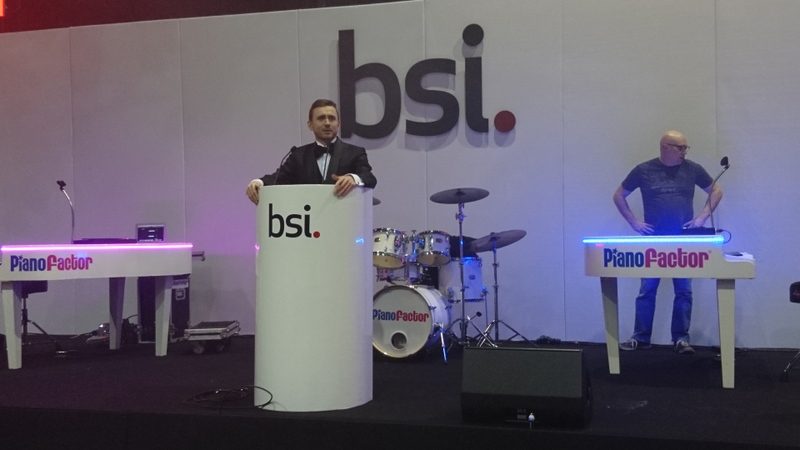
This is worth being straight about. The whole-room game shows I run are not a free app you sign up for and operate yourself. They come as part of booking a host, and they are built for a conference audience rather than a classroom. There are eight formats, including Top Answers, Quiz Show, Higher or Lower and Guess the Phrase, and every delegate plays on their own phone with nothing to download.
The reason to run them with a host rather than off an app is control of the energy. A host knows when to speed up, when to let a laugh breathe, and when to move on before a round outstays its welcome. An app cannot feel the room going flat. A person can, and adjusts.
RoomReader, the live Q&A and audience response software used in that hosting, works the same way. It is there to serve the room on the day, run by the host, not sold as a standalone product you manage on your own. If you want to see the formats rather than read about them, the conference games page lays them out.
None of this makes the apps wrong. A quiz app is the right call for a short internal training session or a quick energiser your own team runs. The point is honesty about the ceiling: a self-serve tool gives you interactivity, and a host-run game show gives you a room that stays with you.
Choosing your Kahoot alternative
Start from the moment, not the tool. For questions during a talk, reach for polling and Q&A. For a competitive round your own team runs, pick a quiz app that handles your headcount and needs no download. For a whole conference where the energy has to hold from the first minute to the last, that is a job for a format run by a person.
The best of the Kahoot alternatives is the one that fits the room you are actually standing in front of. Weigh the size of the audience, how professional the tone needs to be, and whether you want a feature on the screen or an experience the whole room is inside. Match those honestly and you will never again watch a corporate quiz land like a school lesson.

17:00Close
Send me your agenda. I’ll show you where the room comes alive.
A fixed price, a free planning call, and a reply within one working day.