Virtual Event Engagement Ideas That Actually Work
TL;DR
- Online audiences drift within minutes, so plan a small interaction every few minutes instead of saving one big Q&A for the end.
- Use chat and polls as reasons to look up, not decoration: set a prompt, read answers aloud, and react live.
- Put faces and movement on screen. Long static slides are where attention quietly dies.
- Breakout rooms work when the task is tight and the groups are small. They fail when the brief is vague.
- Pace to the energy curve: short segments, visible changes of format, and a real reason to stay to the end.
Virtual event engagement is the gap between an audience that stays with you and a grid of muted squares quietly reading email. Good event engagement online is not luck. It is a set of deliberate choices about when you ask people to act, what you put on screen, and how you pace the whole session.
This post is about the ideas that keep an online audience awake and taking part. If you also need the foundations, cameras, sound, platform and running order, that belongs with your virtual event setup, and this post assumes you have those in place.
What makes virtual event engagement harder than a room?
Virtual event engagement is harder because you are competing with every other tab, and you cannot feel the room. In a hall you sense a lull and adjust. On a call you get muted microphones, cameras off, and no way to read the mood.
The audience can hide, and many will. They answer a message, check a spreadsheet, or half-listen while doing something else. Nothing physical holds them in the seat.
There is also a real cost to being on camera all day. Stanford researchers link Zoom fatigue to constant close-up eye contact, the cognitive load of reading faces through a screen, and staring at a live video of yourself. That fatigue is working against you before you say a word.
So the job changes. In person you manage energy. Online you have to manufacture reasons to stay present, again and again, across the whole session.
How do you use chat and polls without losing the room?
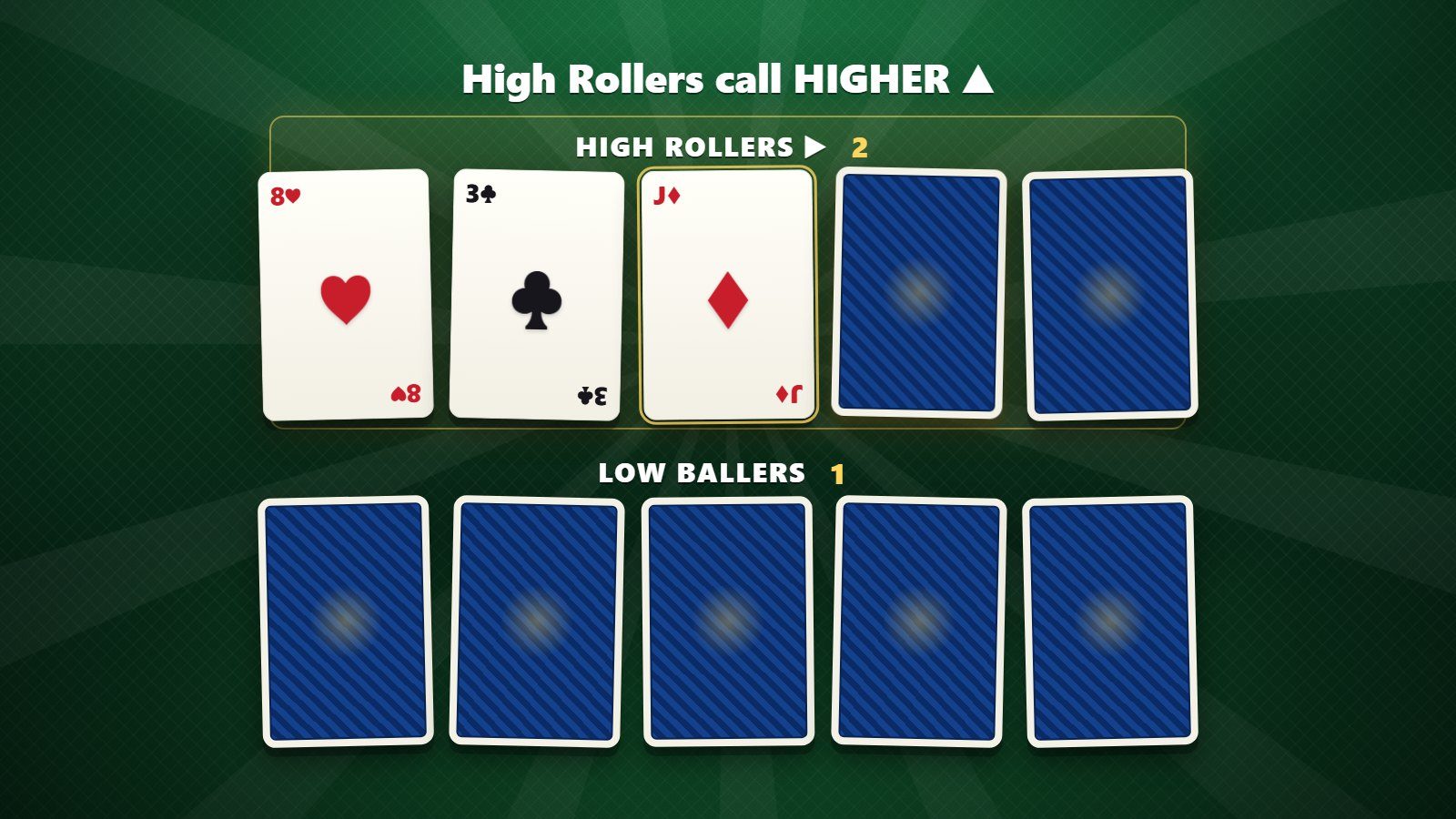
Use them as prompts that demand a response, then react to what comes back out loud. A poll or a chat box on its own does nothing. The engagement happens when you close the loop.
Set a specific prompt, not a vague invitation. “Drop one word for how your quarter is going” beats “any thoughts?” Give a short countdown so people act now rather than later.
Then read the answers aloud, by name where you can, and build on them. A polling app that just shows a bar chart nobody discusses is a missed moment. The reveal is only worth doing if the host does something with it.
Vary the ask so it does not become wallpaper. A quick vote, a one-word chat prompt, a scale of one to five, a “type yes if this sounds familiar” check. Each one is a small reason to look up.
Keep the friction low. Anything that makes people leave the session, install software, or hunt for a code will cost you most of the room. The best interactions happen in the browser or the chat that is already open in front of them.
Live Q&A works the same way. Host-run tools such as RoomReader let delegates send and upvote questions from their phone browser with nothing to download, so the best questions surface and you answer what the room actually cares about. It is included with hosting, not a separate product to manage.
Which on-camera moments lift virtual event engagement?
The moments where a real person does something live: a host reacting in real time, a guest brought on unexpectedly, a quick demo, or a result revealed on screen. Anything that could not have been pre-recorded pulls attention back.
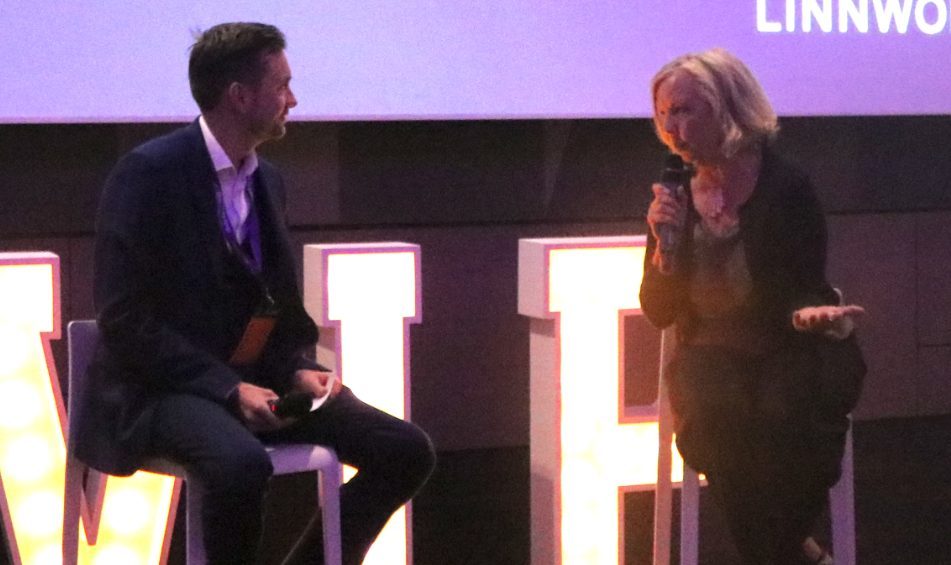
A single talking head reading slides is the fastest route to a wandering audience. Break it up. Bring a second face on for a short exchange. Spotlight a delegate whose chat answer was sharp and let them speak.
Movement helps too. A screen that changes, a hand pointing at a live document, a physical prop held up to camera. Static equals dead air, and the eye drifts to whatever else is moving on the desktop.
Ask cameras on for short bursts rather than the whole session. A minute of everyone visible for a group photo, a vote or a reaction lifts the energy without adding to the fatigue of staring at faces for an hour. Then let people switch off again.
Use yourself as the connective tissue. A host who reacts, teases the next segment and names people in the chat keeps a thread of liveness running through the whole session, even between speakers.
When are breakout rooms worth the risk?
When the task is specific, the groups are small, and there is a clear output. Three to five people, one question, a set number of minutes and a report-back. That is the recipe that works.
Breakouts fail when the brief is vague. Drop eight strangers into a room with “discuss the strategy” and you get silence, then small talk, then a scramble when they are pulled back.
Give each group a job before you send them off:
- One clear question or task, on screen and in the chat.
- A named timekeeper and a nominated speaker.
- A tight window, often five to eight minutes, not fifteen.
- A specific thing to report back, such as one recommendation.
Warn people that a report-back is coming. Knowing they will be asked keeps a group honest and on task, which is most of the battle.
Pacing: the real driver of event engagement
Everything above lives or dies on pacing. The energy in a session is a curve, and online that curve drops faster than in a room. Long, unbroken blocks are the enemy of event engagement.
Work in short segments. Change the format every few minutes: talk, then poll, then a guest, then a breakout, then a reveal. Each change is a fresh reason to stay. A sixty-minute monologue, however good the speaker, loses people well before the hour is up.
Signpost the shape of the session so people can pace themselves. “In the next ten minutes we will do X, then you will vote on Y” gives a reason to stay rather than drift.
Watch the known dips. The energy sags after the first thirty minutes and again after any break. That is exactly where a deliberate lift belongs, not another dense slide.
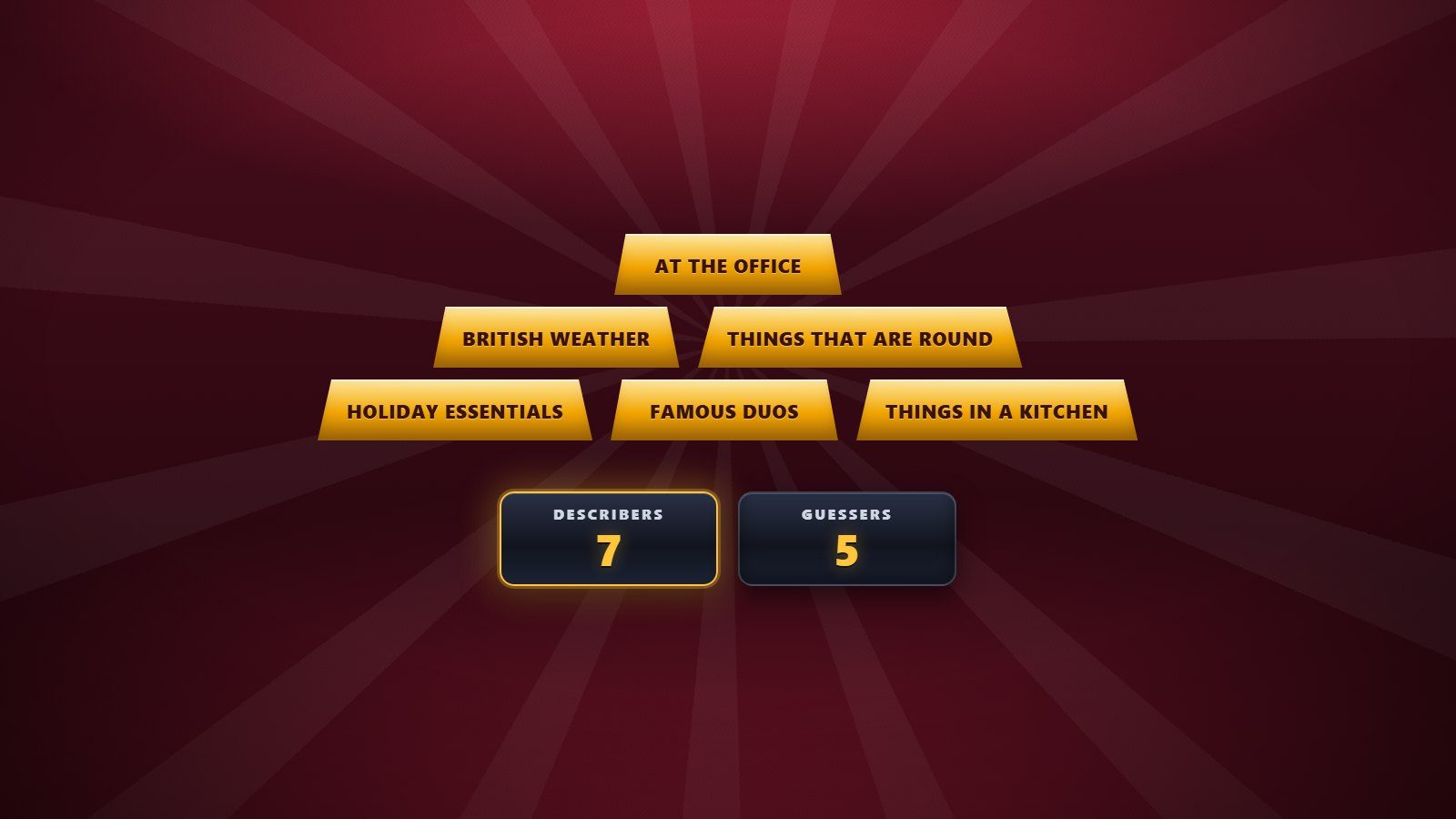
This is where a whole-room interactive format earns its place. Eight phone-based game show formats, played by every delegate in their own browser with nothing to download, can re-energise a flagging afternoon session and turn passive viewers into players for a few minutes. The point is not entertainment for its own sake. It is a controlled jolt of energy at the moment the curve dips.
Finally, give people a reason to stay to the very end: a live vote revealed last, a prize round, a genuine takeaway held back for the close. If the value is front-loaded, the numbers fall away before you finish.
Where to start with virtual event engagement
Pick three ideas from this post and build them into your running order before the event, rather than hoping to improvise on the day. A prompt in the first two minutes, a format change every few minutes, and one strong reason to stay to the end will do more than any single clever trick.
Map each engagement moment to a point on the agenda. Write down what you will ask, when, and what you will do with the response. Improvised interaction online almost always arrives too late, once attention has already gone.
If you would rather hand the room to someone who does this for a living, a broadcast-trained virtual event host plans those moments into the agenda and runs them live, so the energy stays up without you watching the clock.
To talk it through, check availability or send the agenda, and we will map the engagement into your session before anyone logs on.

17:00Close
Send me your agenda. I’ll show you where the room comes alive.
A fixed price, a free planning call, and a reply within one working day.