Hosting a Webinar: What the Host Actually Does
TL;DR
- Hosting a webinar is a pacing job, not a presenting job. Fix the handovers and cues before you go live.
- You open to blank squares and silence. Say what you can see, give people one thing to do in the first minute, and do not fight for cameras.
- Ask the first question yourself, then count to three before you fill a gap. Whoever asks first sets the pattern.
- Agree the overrun signal with each presenter in the rehearsal. A host who has not agreed it will not interrupt.
- Close on one action with a time attached. If-then plans land; “do get in touch” does not.
Hosting a webinar is not the same as presenting one. The presenter owns the slides. You own the clock, the handovers, the questions and, most of all, the silence, and nobody in the audience can see you doing any of it. In a hall I read faces and adjust. Online I am talking into a grid of initials, so every cue has to be built in advance.
What does a webinar host actually do?
The host carries the structure: start on time, set up each speaker, decide when the audience does something, keep questions moving, land the finish.
How much there is to carry depends on the format. In Microsoft Teams, interactive events run to 1,000 attendees with microphones, chat, polls and Q&A, while events built for a large audience go to 10,000 in a view-only experience where attendees cannot use mic or camera, Q&A is their only channel to you, and they see the stream on a slight delay.
That changes how you speak: “shout out in the chat now” is a cue nobody in a broadcast-style event can follow.
A host’s cue sheet for a 45 minute webinar
A running order tells you what happens. A cue sheet tells you what you do. Build it as a third column on your run of show, with the actual words for moments you know will be awkward.
| Moment | What the host does | Why it is there |
|---|---|---|
| 20 min before | Green room, audio and screen share tested | Presenters can test sharing before attendees arrive |
| 2 min before | Agree the overrun signal and who takes which question | Nobody negotiates this live |
| 0:00 | Open, name what people leave with, one poll | Something to do in minute one |
| 0:04 | Hand over with a reason to listen | A handover is a recommendation, not an introduction |
| 0:14 | Read two chat replies out by name | Proves someone is listening |
| 0:26 | Host asks the first question | Breaks the ice before the audience has to |
| 0:40 | One action, and where the recording goes | The only thing most people act on |
| 0:45 | Finish early rather than late | Nobody has ever complained about this |
Change the minutes to suit your content. The energy in a webinar is a curve, as in a hall, so keep the gaps between host moments under twelve minutes. In Microsoft’s Human Factors Lab study, 14 people wore EEG caps through back-to-back video meetings and beta wave activity, associated with stress, climbed throughout. With breaks in between, it held steady.
How do you open when nobody can be seen?
Say out loud what you can and cannot see, then give people something to do. Pretending you can see a room you cannot is the fastest way to sound like a recording.
Resist the urge to demand cameras. Jeremy Bailenson’s paper on video fatigue describes the default self-view as an all day mirror, and argues the interface should hide your own window rather than show it. In one-to-one video, he found, colleagues sit inside the range Edward Hall classified as intimate, under about 60cm. Cameras on carries a cost people can feel.
So open with your camera on, your name, what the next 45 minutes covers, and one question anyone can answer with a click. Then describe the result aloud. W3C guidance asks presenters to describe visual information and to repeat audience questions into the microphone before replying.
Hosting webinar Q&A: how do you kill dead air?
Ask the first question yourself, then wait longer than feels comfortable. Those two habits remove most of the dead air in a webinar.
The first part has evidence behind it. Across 247 seminars in ten countries, the gender of the first questioner predicted who asked afterwards: when a woman asked first, the model put the chance of the next question coming from a woman at 33%, and that fell by six points when a man asked first. The authors recommend a trained moderator, short answers, and not simply taking hands in order.
The second part is about nerve. Teachers typically pause for under 1.5 seconds after asking a question, and the wait-time research points to three to five. Online, add a beat for the stream delay, then let the gap sit.
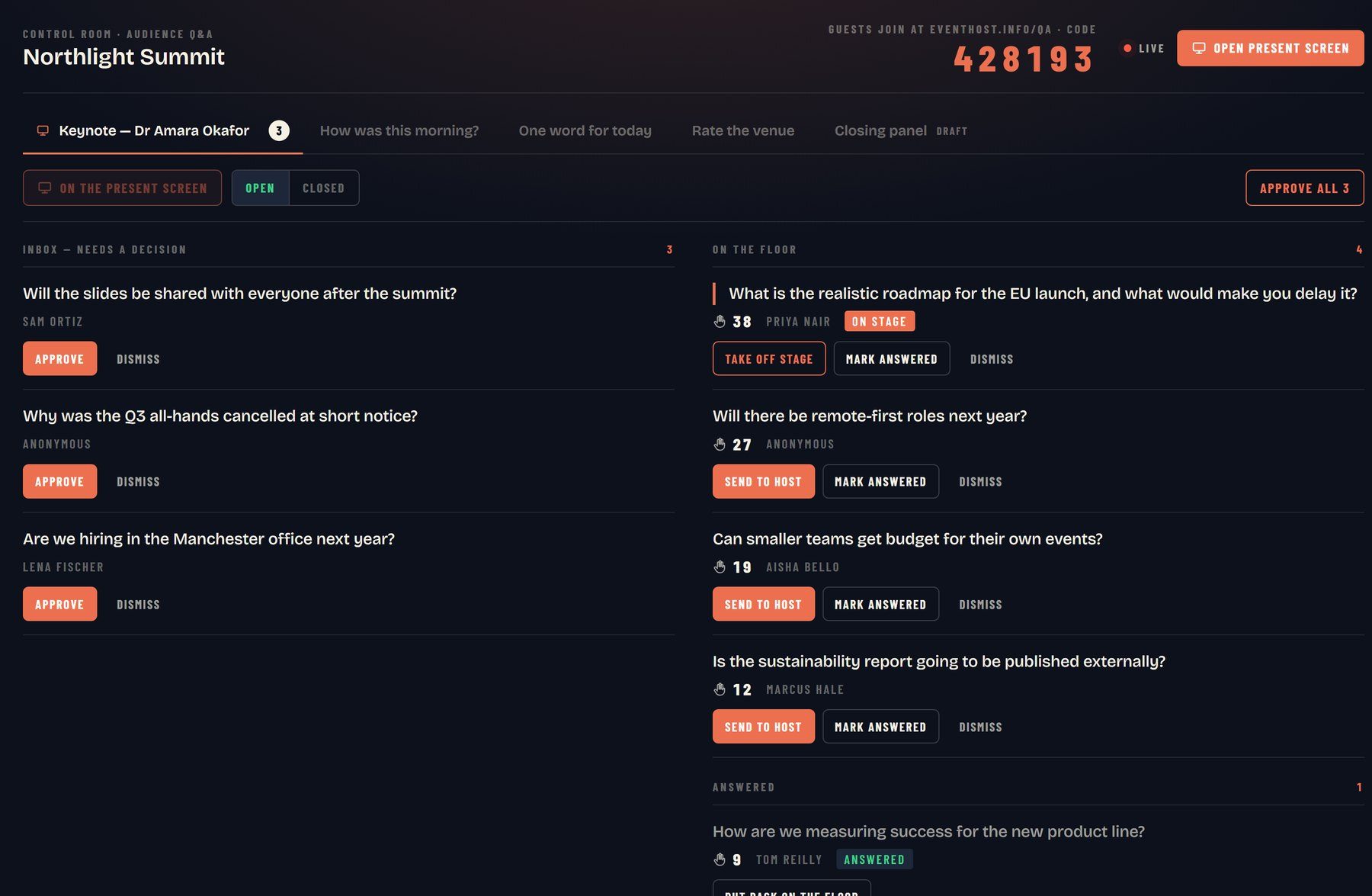
Two habits for the moderation queue. Read questions in the asker’s name: it tells four hundred lurkers someone is reading. And pull a theme out of similar questions rather than answering the same thing three times. The guide on keeping remote attendees engaged covers who watches the chat while you talk.
What do you do when a presenter overruns?
You interrupt, with a signal you both agreed before the session. The interruption is never the problem. A host making it up live is.
Conference session chairs have run this for decades. The Digital Humanities chair guidance gives a 20 minute paper a five minute warning at 15 minutes and a one minute warning at 19, and tells the chair to intervene at 20 if the speaker has not stopped, because overruns take time from the other speakers and from the audience’s questions.
Online you have better tools than a card held up at the back: a private chat message at the five minute mark, an agreed phrase on air (“Jane, let’s take that last point into questions”), and a clock the speaker can see. Pick two, and tell the speaker which two.
If a presenter is still going with four minutes left, protect the close rather than the content. Ask one question, summarise, finish on time. The same applies to panel questions when a panellist starts giving a speech.
Hosting webinar rehearsals: what must you test?
Test the handovers and what only breaks under load: screen sharing, sound from a video clip, the poll, the Q&A queue, the recording. Microsoft’s advice for large events is blunt: always schedule a dry run, and run a silent test to find network bottlenecks first.
Rehearse in the real tool, with the real speakers, on the machines they will use. A green room gets you most of the way: presenters can test sharing, audio and video before attendees arrive, though they cannot start recording or transcription from it, so the host presses that button once the session begins.
Send the slides round beforehand too. A presenter whose deck is already in the room can lose their share without losing the session.
When something fails while you are live
Something will. A share freezes, a speaker drops, the clip plays silently. Keep talking while the fix happens, and decide in advance who fixes what.
- Kill video before you kill the session. Teams prioritises audio when bandwidth runs short, and a meeting needs roughly 58 kbit/s for audio against a recommended 2,500 kbit/s for video. Ofcom’s threshold for a decent UK connection is only 10 Mbit/s down and 1 Mbit/s up, so somebody is on less than you think.
- Name the problem once, then move on. “We have lost Jane, give me ten seconds” is fine. Silence is not.
- Keep a filler segment ready: a question you were planning to drop.
How do you close so people actually act?
Give one action, with a moment attached to it. Not three next steps. One, with a when.
That phrasing is doing real work. Gollwitzer and Sheeran’s review of if-then planning found that an implementation intention, the “if situation Y comes up, then I will do Z” format, had a medium-to-large effect on goal attainment across 94 studies, d = .65. So end with “when you open your inbox tomorrow, forward this to whoever owns the budget”, not “do get in touch”.
Then say where the recording goes, thank the speakers by name, and stop.
Bringing in a webinar host
Engagement is not a gimmick bolted on at the end. It is how you keep the whole room with you from the first minute, and online the room can leave without anyone noticing.
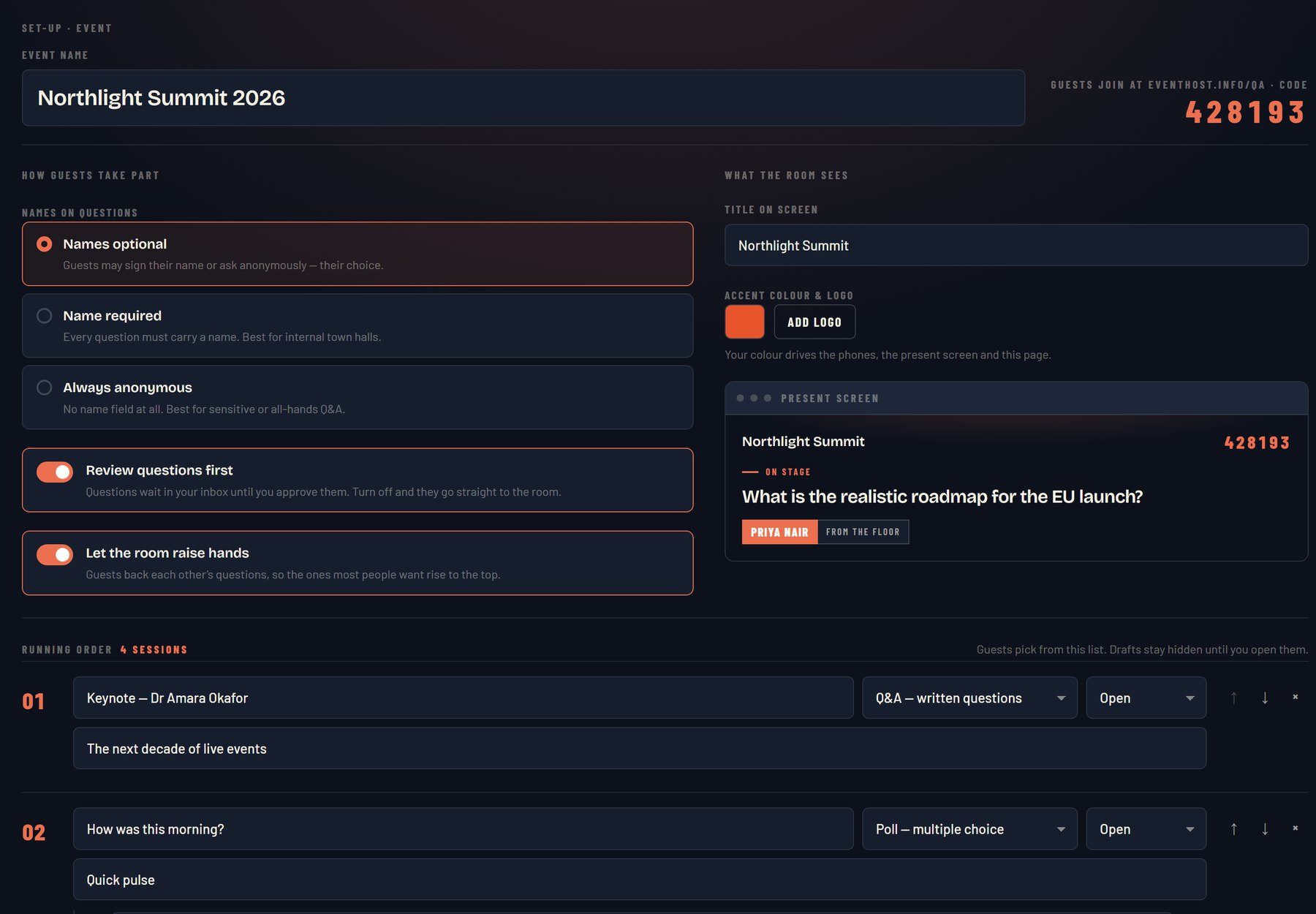
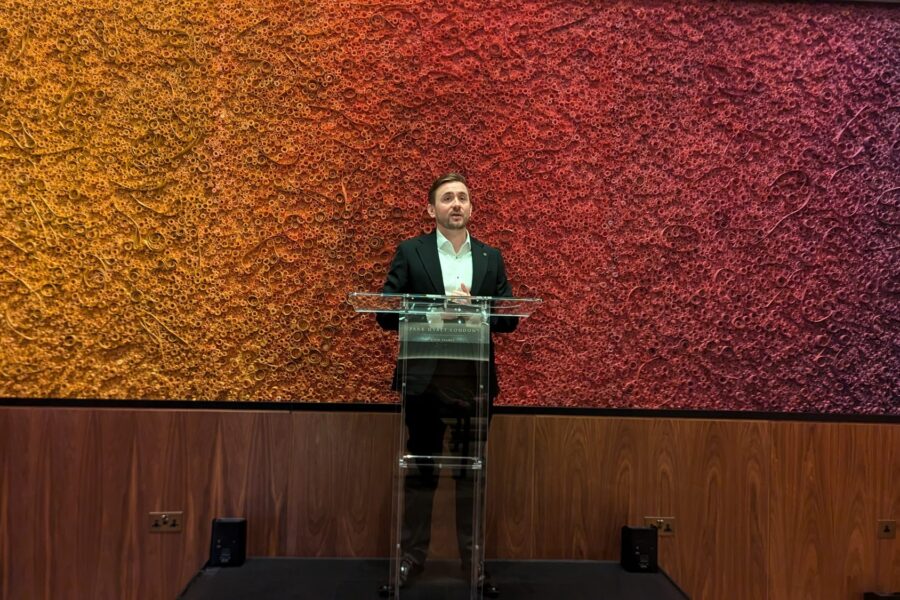
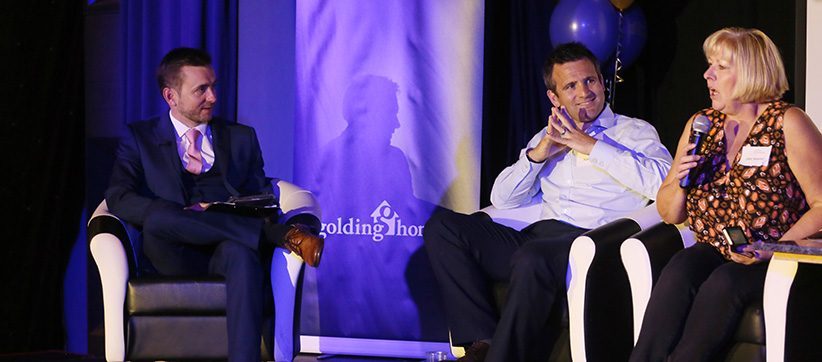
I am broadcast-trained, with 20+ years on stage and television and 800+ events hosted, and I host virtual and hybrid events as well as conferences in the room. For live Q&A I use RoomReader, which I built: questions land in a moderation queue, the audience backs the ones they want answered, and it runs in the phone browser, nothing to download. It is included when I host. The same instincts apply in the room: see the MC tips guide.
Got a webinar, a virtual town hall or a hybrid conference coming up? There is more on the virtual event host page, or send the agenda to hello@conferencehost.uk.

17:00Close
Send me your agenda. I’ll show you where the room comes alive.
A fixed price, a free planning call, and a reply within one working day.